






SimBooth 2 Golf Simulator Enclosure
By SimBooth
Build Your Dream Home Golf Simulator
Pair the SimBooth 2 Golf Simulator Enclosure with a launch monitor, projector, and hitting mat in the SimKit Builder.
Start Building in the SimKit Builder →Built to assemble and disassemble
SimBooth 2 is engineered for golf courses, country clubs, and larger home spaces. A heavy-duty system lets the booth be assembled and disassembled frequently without removing major parts — ideal for facilities that run a simulator in winter and need the floor space back for events and tournaments in summer.
A Finished Booth, Not a Net and Frame
Every SimBooth is a complete, enclosed structure — frame, panels, floor, and screen engineered together for a professional finish.
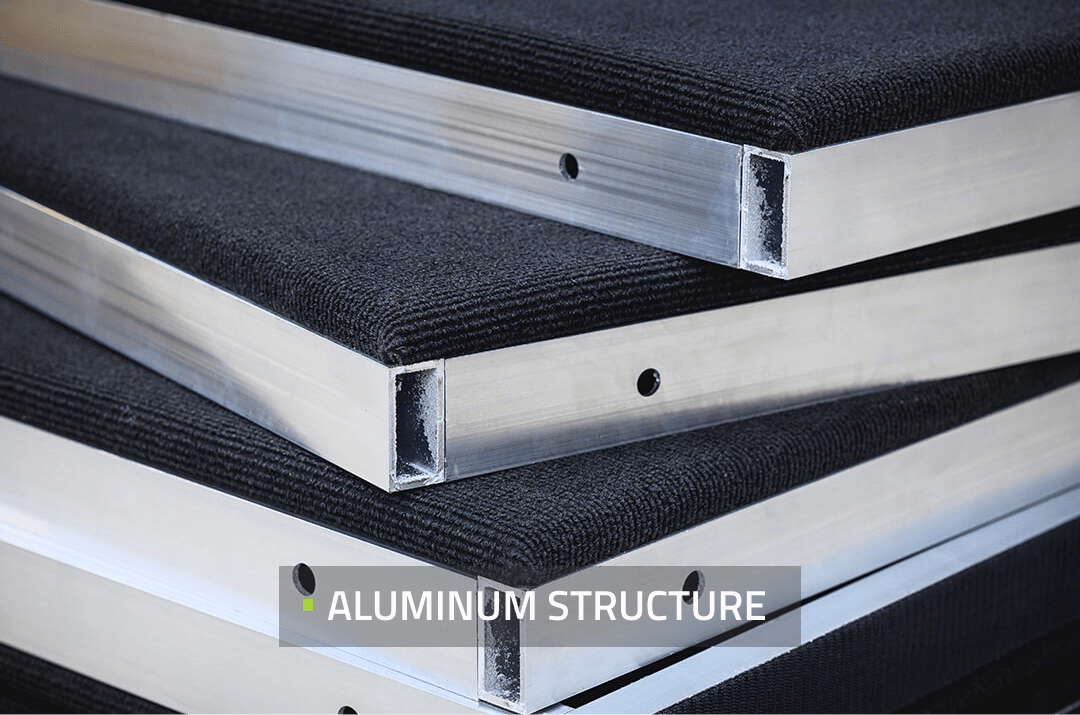
Aluminum Structure
A rigid aluminum frame forms the booth skeleton — durable, robust, and built for a clean, square finish.
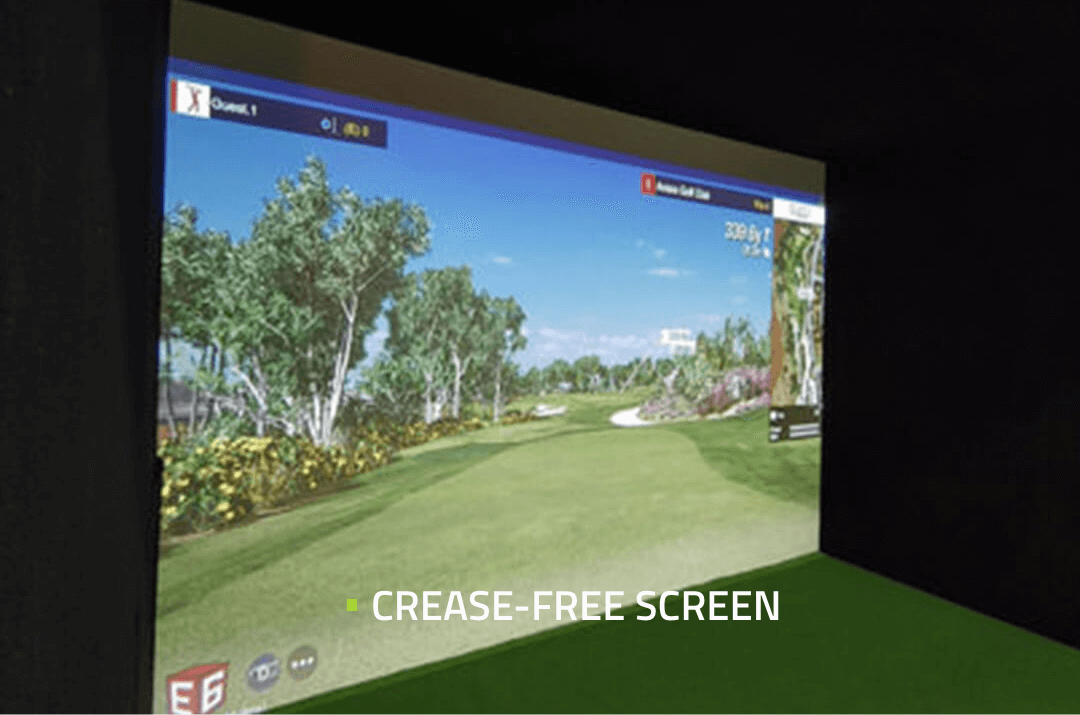
Crease-Free Screen
The impact screen is tensioned for a smooth, crease-free projection surface edge to edge.
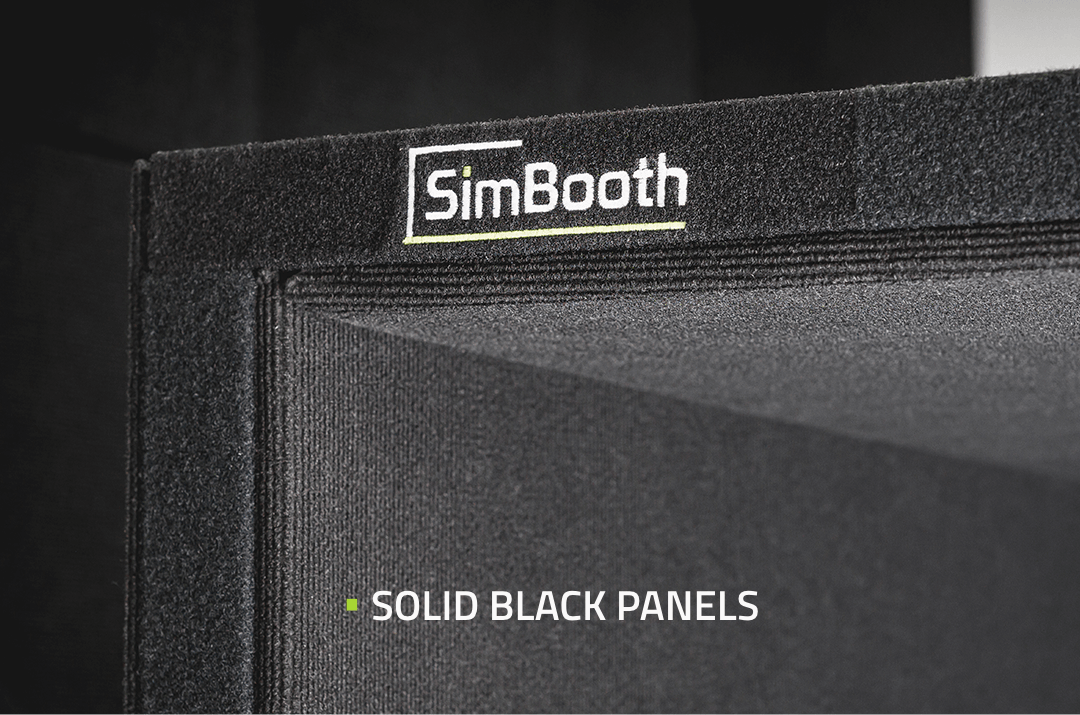
Solid Walls & Ceiling
Solid black wall and ceiling panels contain light and errant shots for a true booth environment.
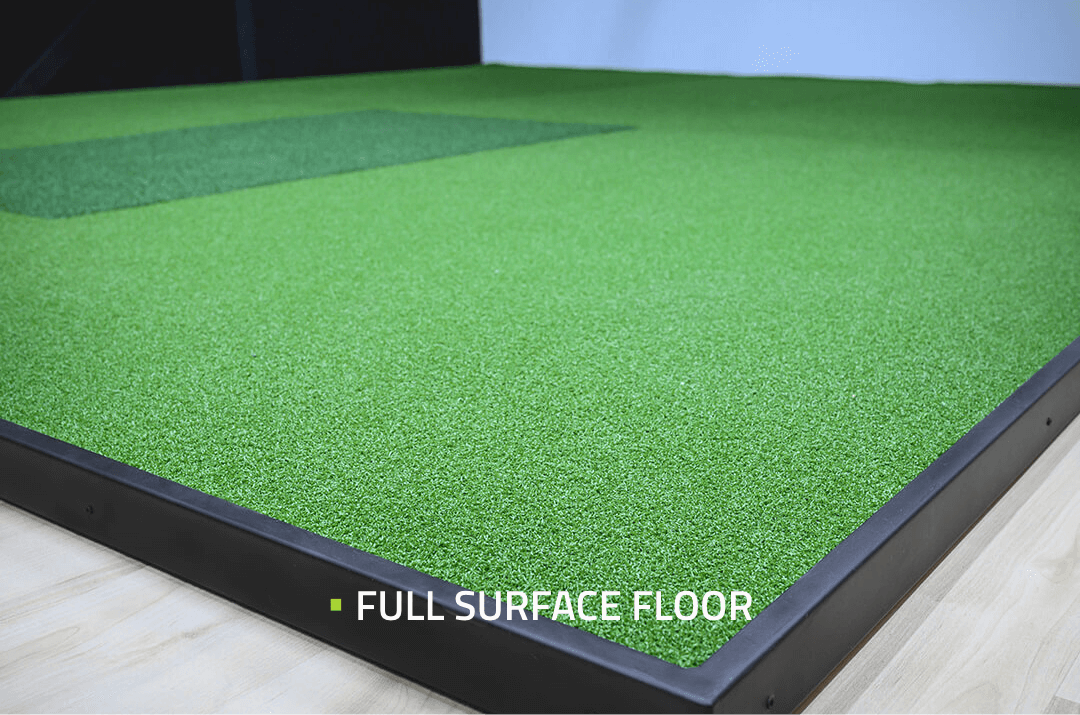
Full Surface Floor
A full surface floor covers the entire footprint for a level, finished stance area.
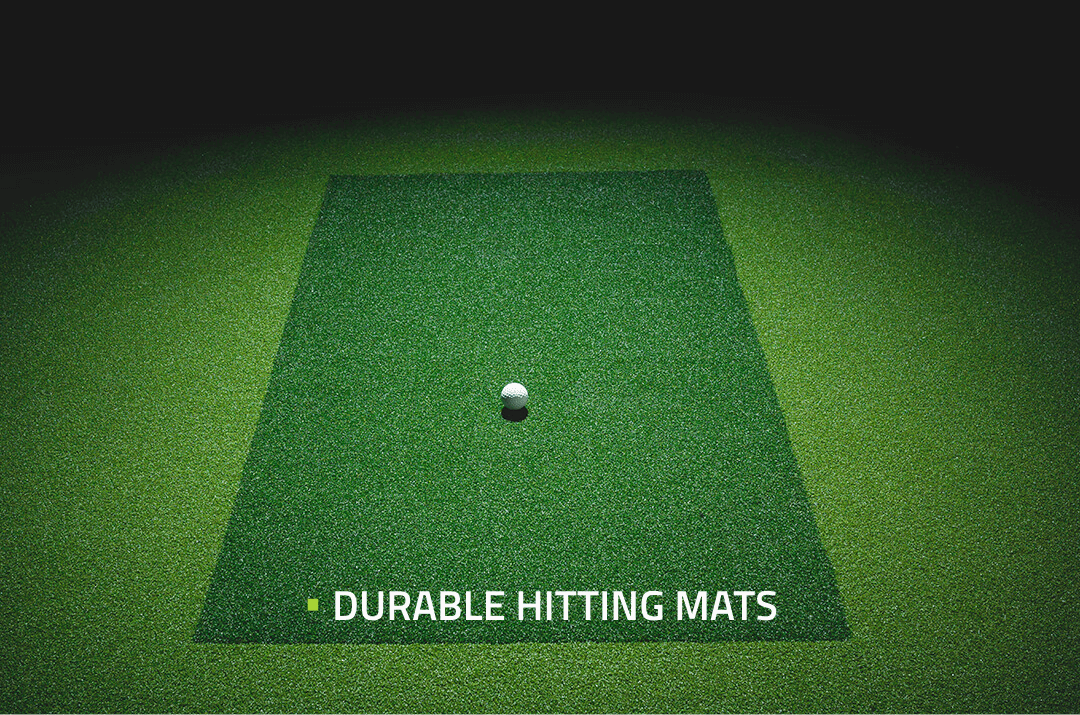
Commercial Hitting Mat
A commercial hitting mat is part of the booth configuration — built for high-volume use.
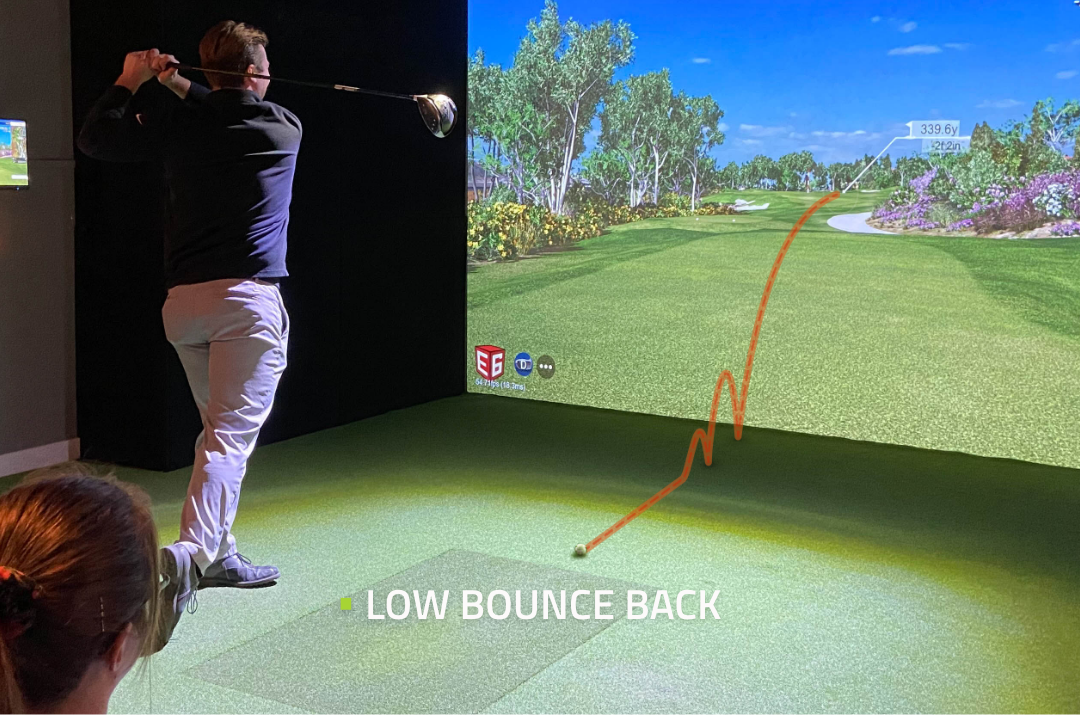
Low Bounce-Back
The screen is designed to absorb ball energy and keep bounce-back toward the golfer low.
Where the SimBooth 2 Fits Best
Golf Courses & Clubs
Set up for the winter season, then break down for receptions and tournaments.
Larger Home Spaces
A bigger 172″ screen for bonus rooms and wider sim rooms.
Seasonal Setups
Heavy-duty hardware built for repeated assembly and teardown.
SimBooth 2 Specs
| Booth Dimensions | |
|---|---|
| Width | 12′1¾″ |
| Depth | 12′ |
| Height | 8′10″ |
| Screen | 172″ (141″ × 98″) |
| Room & Installation | |
|---|---|
| Recommended room width | 15′ |
| Recommended room depth | 22′ |
| Recommended ceiling height | 10′ |
| Installation | Self-install in under 2 hours |
| Shipping box | 6′ × 4′ × 4′ box |
| Configuration | |
|---|---|
| Walls | Standard Walls or Half Walls (+$525) |
| Hitting mat | Commercial |
| Projector beam | Optional (+$325) |
| Features |
|---|
- Aluminum structure
- Self-installation in less than 2 hours
- Full surface floor
- Assemble and disassemble anytime
- Perfect for golf course facilities
- Outstanding finish and professional look
- Works with most tracking devices on the market
- Solid walls and ceiling panels
- Crease-free screen
- Delivered in a 6′ × 4′ × 4′ box
- Durable and robust
Compare All Four SimBooth Models
From the compact SimBooth 1 to the curved-screen SimBooth 4, every model shares the same aluminum structure, solid panels, full floor, and crease-free screen.
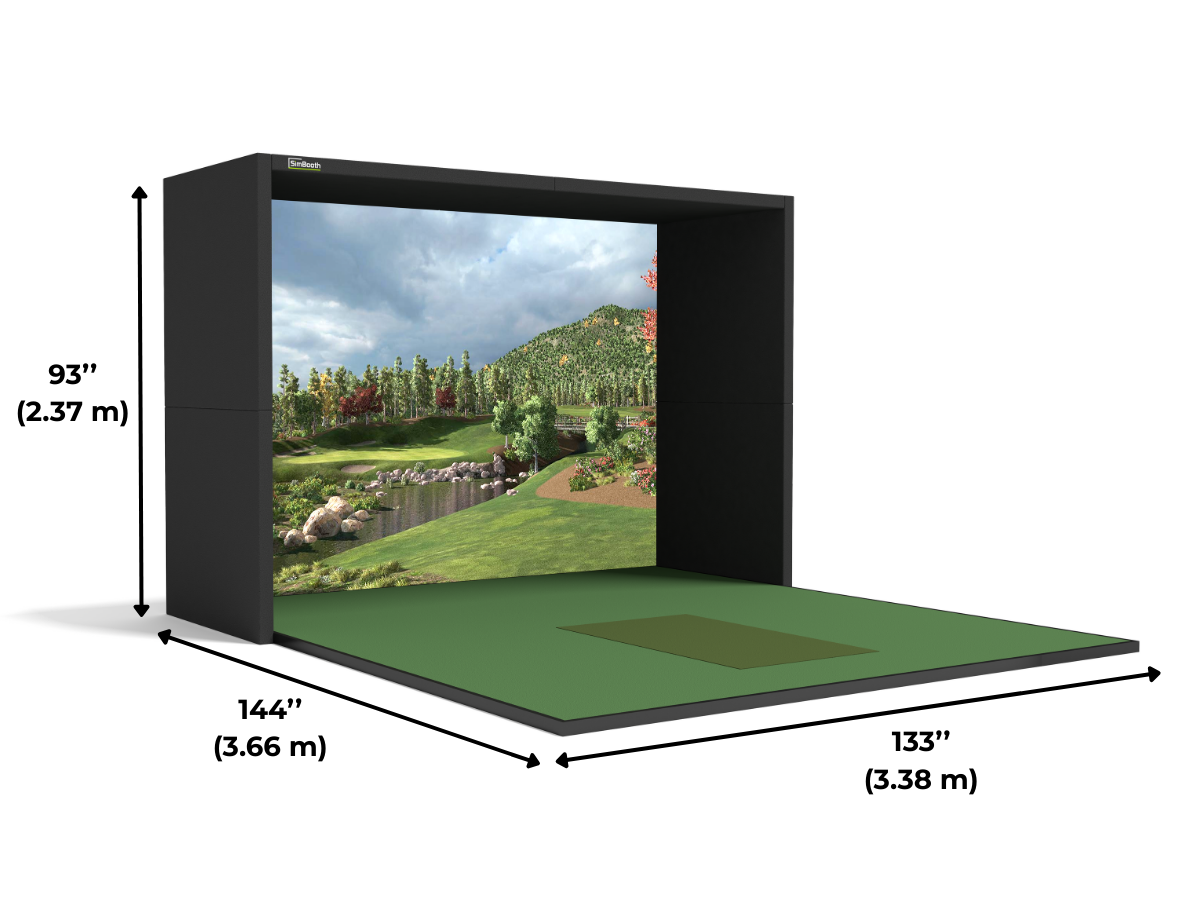
SimBooth 1
11′1″ W × 12′ D × 7′10″ H
152″ screen
The most compact SimBooth
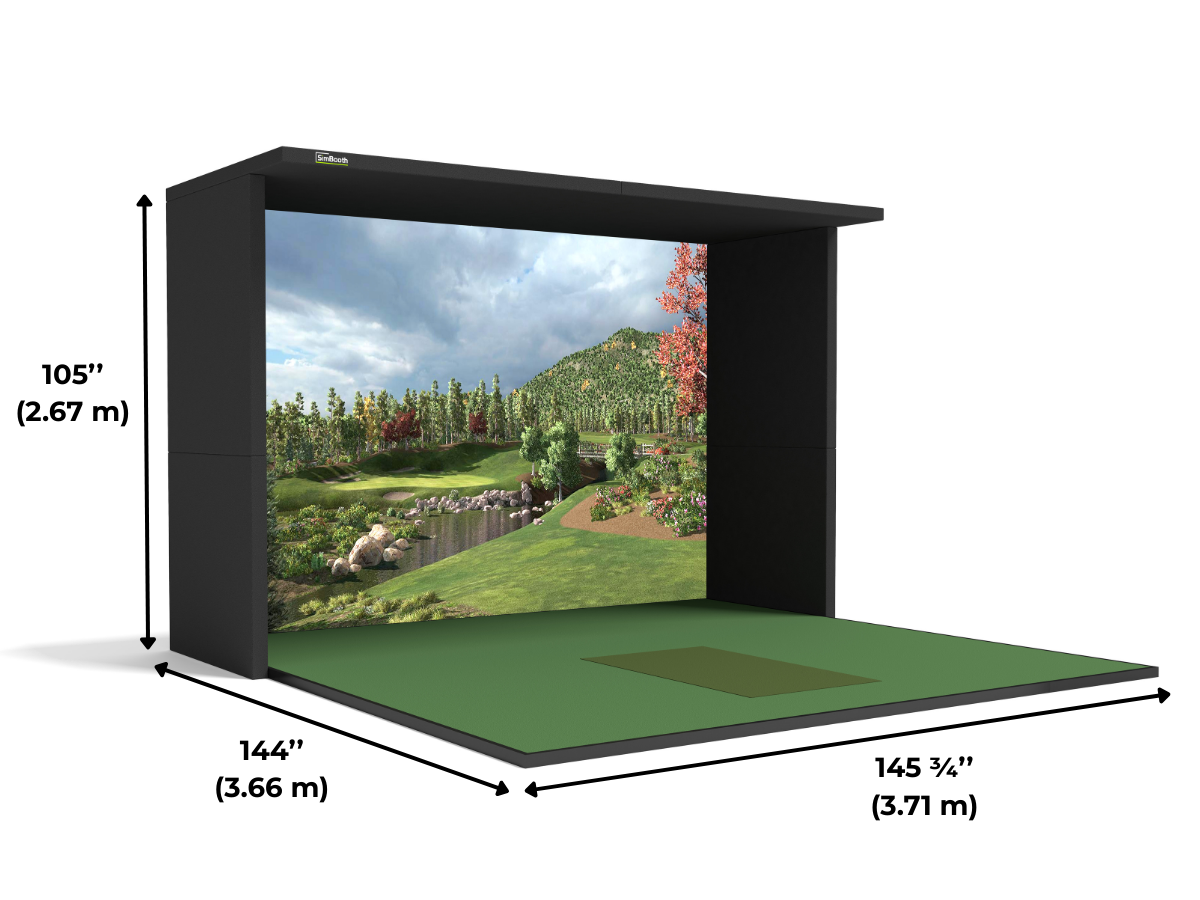
SimBooth 2
12′1¾″ W × 12′ D × 8′10″ H
172″ screen
Built to assemble and disassemble
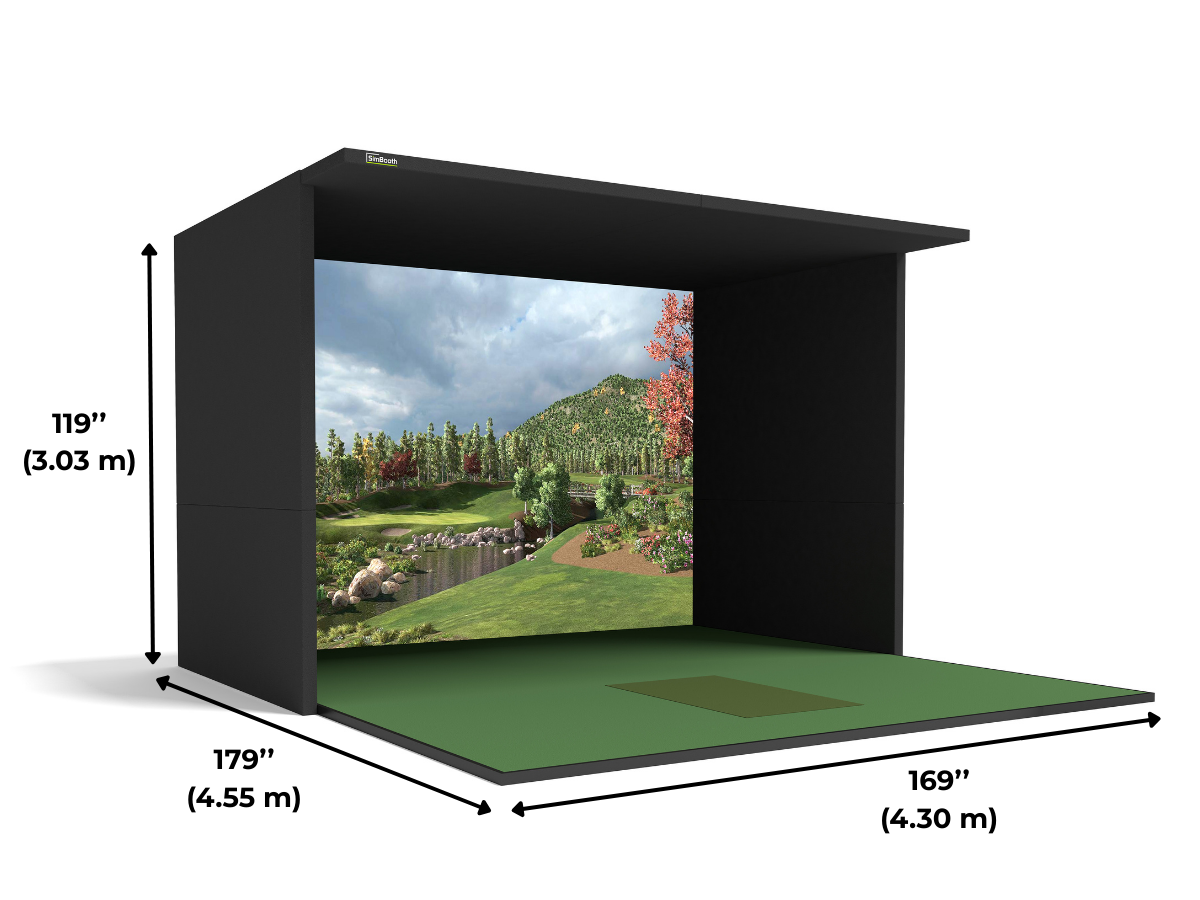
SimBooth 3
14′1″ W × 14′11″ D × 9′11″ H
196″ screen
Built for commercial facilities
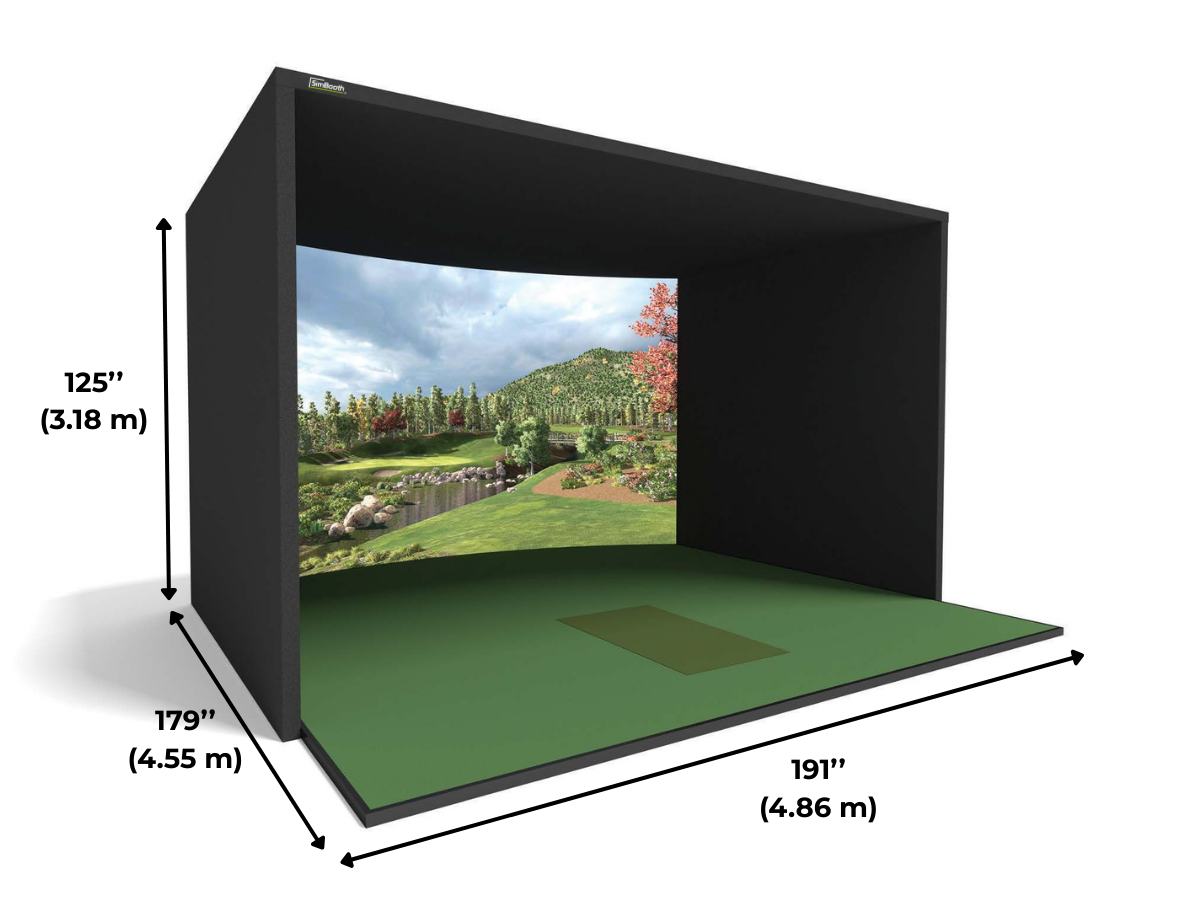
SimBooth 4
15′11″ W × 14′11″ D × 10′5″ H
218″ screen — curved
The largest SimBooth — curved screen
Choose a Projector for the SimBooth 2
The projector is sold separately. The right model depends on screen size, booth depth, and whether a ceiling-mounted launch monitor will share the overhead space. Use the Projector Fitment Tool to confirm mounting distance before purchasing.
BenQ AK700ST
- 4K UHD resolution
- 4,000 ANSI lumens
- Short-throw laser, 20,000-hour light source
- Auto Screen Fit and Golf Mode
Short-throw lens and ceiling-rear mounting position leave room for ceiling-mounted overhead launch monitors.
View BenQ AK700STBrowse Golf Simulator Projectors
- 1080p and 4K short-throw options
- Laser and LED light sources
- Models matched to large-format screens
- Fitment guidance for every room
Larger screens like the SimBooth 2’s 172″ benefit from higher brightness and native 4K resolution.
Shop ProjectorsNot Sure Which Projector Fits?
Enter the screen and room dimensions to confirm throw distance and mounting position.
Build a Complete Simulator Around the SimBooth 2
The SimBooth 2 is the enclosure foundation. Add a launch monitor, projector, and simulator software to complete the bay — SimBooth works with most tracking devices on the market.
Planning a Full Build?
Pick a launch monitor and projector combination with the SimKit Bundle Builder.
Get Help Sizing the SimBooth 2
Room dimensions, ceiling height, projector placement, and launch monitor choice all shape the right booth. Elite Sim Golf can review the space and recommend a complete configuration.
Contact UsSimBooth 2 Questions
How much room do I need for the SimBooth 2?
The SimBooth 2 measures 12′1¾″ wide × 12′ deep × 8′10″ high. SimBooth recommends a room of 15′ wide × 22′ deep × 10′ high.
What size is the SimBooth 2 screen?
The SimBooth 2 uses a 172″ screen with a 141″ × 98″ viewing area.
Is a hitting mat included with the SimBooth 2?
Yes. The SimBooth 2 is configured with a commercial hitting mat.
Does the SimBooth work with my launch monitor?
SimBooth enclosures work with most tracking devices on the market, including ceiling-mounted and floor-based launch monitors. Launch monitors are sold separately.
Is a projector included?
No. The projector is sold separately. Use the Projector Fitment Tool to confirm the right projector and mounting position for the booth.
How is the SimBooth 2 installed?
The SimBooth 2 is designed for self-installation by four people in less than two hours.
What wall options are available?
Choose Standard Walls or Half Walls (+$525) when ordering.
What is the projector beam option?
The projector beam option (+$325) adds an overhead beam to the SimBooth 2 for mounting a projector inside the booth. Skip it if the projector will be mounted another way.
Can the SimBooth 2 be taken down and set back up?
Yes. The SimBooth 2 uses a heavy-duty system made to be assembled and disassembled frequently without removing major parts of the enclosure.
How does the SimBooth ship?
SimBooth enclosures ship directly from SimBooth in Saint-Georges, Québec. Lead time is confirmed after the order is placed.
Can I build a complete simulator around the SimBooth?
Yes. Pair the booth with a launch monitor, projector, and simulator software from Elite Sim Golf, or contact Elite Sim Golf for help planning a complete build.