






VTrack Overhead Launch Monitor Premium 1080P Package (Enclosure Choice + BenQ AH700ST)


Full Overhead Simulator Bay — Out of the Box
The VTrack Overhead Launch Monitor 1080P SimKit pairs the BenQ AH700ST laser projector with the VTrack ceiling-mount tracking system, a choice of three enclosures, and the Beaver Tail hitting mat — every component matched and ready to install. At 4,000 ANSI lumens with a native 1080P image, the AH700ST delivers a sharp, vivid display that holds up in rooms with ambient light, and its Auto Screen Fit feature aligns the image to any standard screen ratio at the press of a single button.
Golf Mode, built into the AH700ST, applies a BenQ-calibrated color profile tuned for natural fairway and green tones — active by default so the course looks accurate from the first session. For golfers who want a bright, well-calibrated 1080P image without moving to 4K, this SimKit covers the full bay at the 1080P tier with no accessory gaps.
Continental US — no shipping charges added at checkout
Every component selected to work together — no compatibility research required
Cabling, projector mount, and mats included — nothing to source separately
Setup support included with every SimKit order
Ceiling-Mounted, Markerless Tracking — No Stickers Required
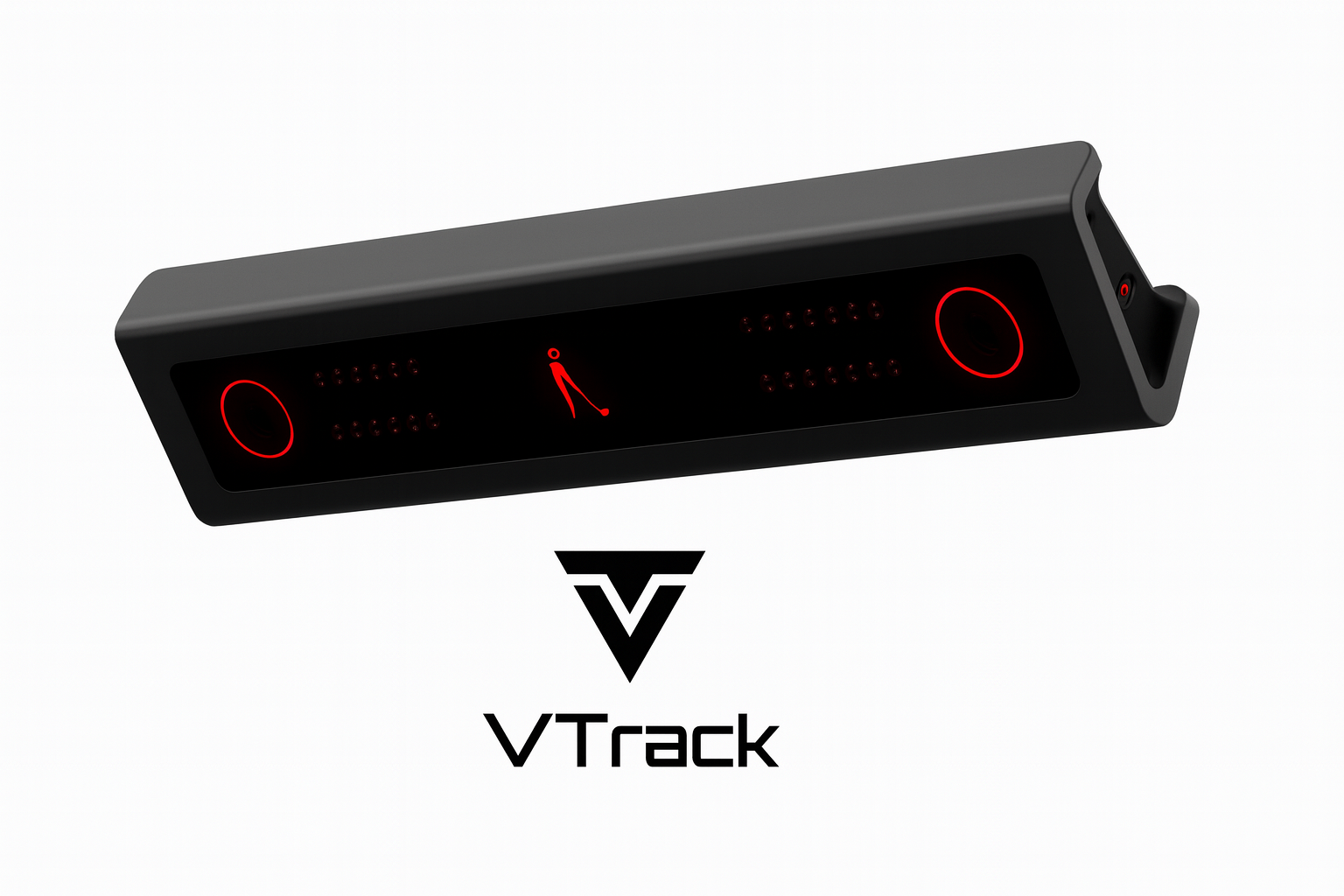
The VTrack Overhead mounts to the ceiling above the bay, keeping the entire floor and swing path completely clear. Because tracking is handled by dual high-speed stereoscopic cameras looking down, no stickers, no marked balls, and no floor-mounted sensors are required for core use — setup is structural, not consumable. Once installed, the unit stays out of every swing regardless of club length or follow-through.
Overhead Mount
Minimum 106″ ceiling — installs above the bay, completely out of the swing path and follow-through zone
Markerless Tracking
Dual high-speed stereoscopic cameras — no stickers, no marked balls required for core use
25+ Data Parameters
Ball speed, spin, launch angle, club path, face angle, smash factor, and slow-motion impact video included
Software Ready
GSPro, E6 Connect, and E6 Apex compatible — no VTrack subscription required for simulator use
Floor-clear advantage: With no floor-based sensors or camera pods in the hitting zone, the bay stays completely unobstructed. Right and left-handed golfers can use the same setup without repositioning any hardware.
4,000-Lumen 1080P Laser Projection — Golf Mode Built In
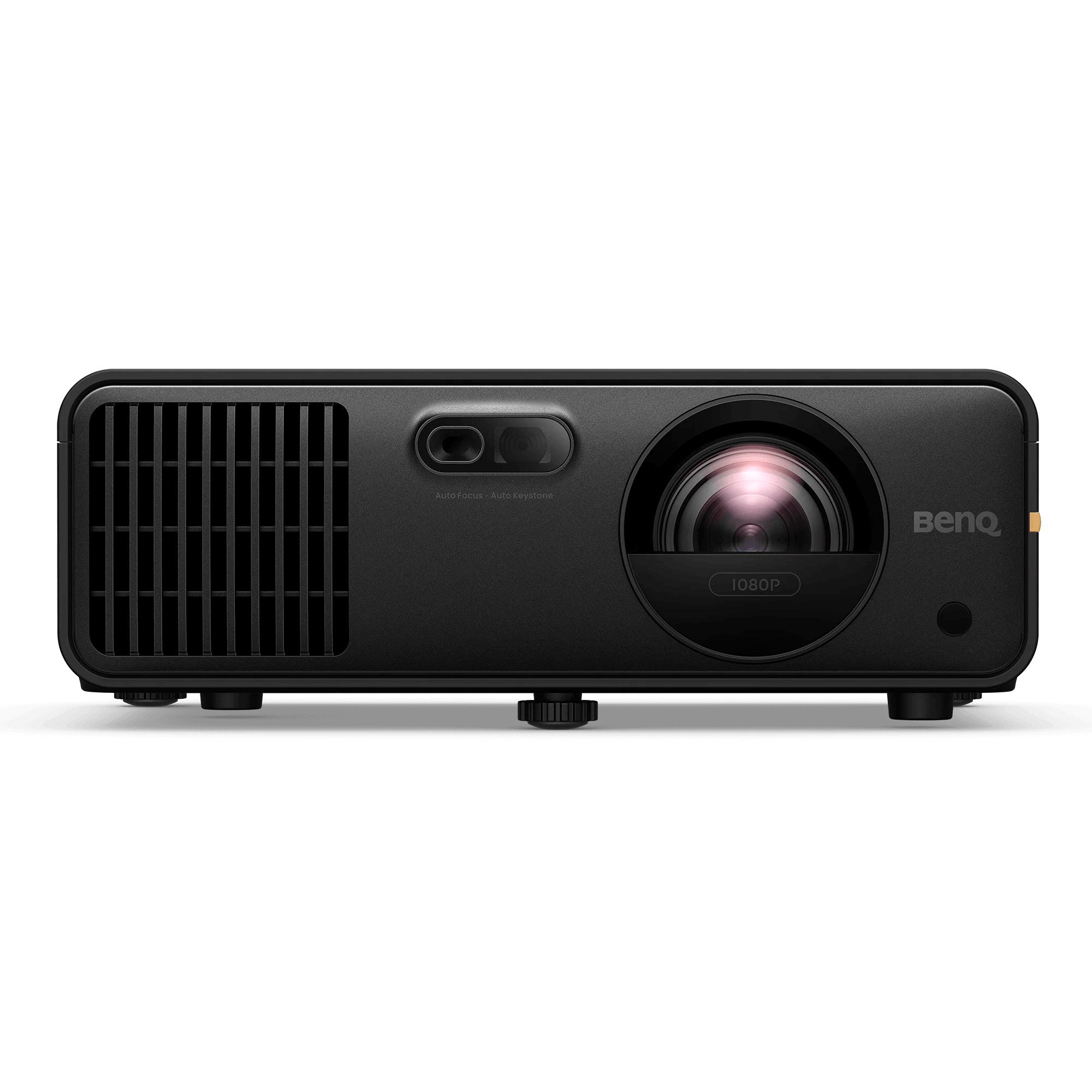
The BenQ AH700ST is a short-throw laser projector built for permanent simulator installation — its 0.69–0.83:1 throw ratio positions it behind and above the golfer, eliminating shadow and collision risk entirely. Auto Screen Fit detects the screen’s aspect ratio and fills it automatically at the press of one button, and Golf Mode applies BenQ’s calibrated color profile for accurate fairway and green rendering from the first session forward.
4,000 ANSI Lumens
Bright enough for rooms with ambient light — vivid, high-contrast image with overhead lights on or off
Full HD 1080P
1920×1080 native resolution with up to 3,000,000:1 dynamic contrast and HDR10 / HLG support
Auto Screen Fit + Quick Focus
One-button setup detects screen aspect ratio and fills it automatically — 16:9, 16:10, 4:3, and 1:1 supported. Quick Focus adjusts sharpness from the remote.
Golf Mode
BenQ-calibrated color mode tuned for natural grass and fairway tones — active by default, no manual calibration required
Projector throw distance depends on ceiling height and screen size. Use the Projector Fitment Tool to confirm placement before ordering.
Three Bay Sizes — One Overhead System
All three ESG enclosures use a powder-coated steel frame with a 16:9 screen ratio and DIY assembly — the VTrack overhead system works with any of the three. Measure ceiling height and available floor footprint before selecting a size; the Albatross 13 requires additional side clearance and a higher ceiling to match its wider frame.
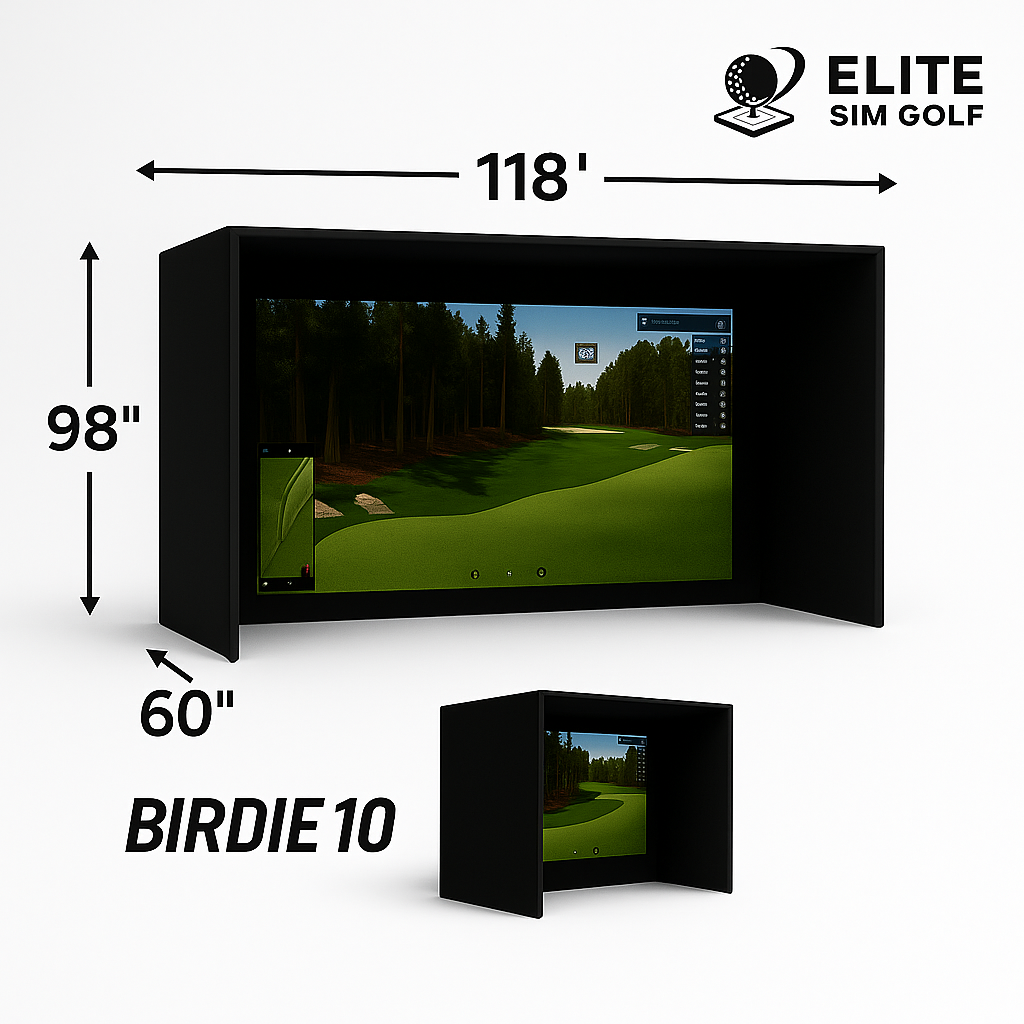
Birdie 10
- Width120″
- Height96″
- Depth60″
- Screen Ratio16:9
- FramePowder-coated steel
- AssemblyDIY
- Landing Mat6×12
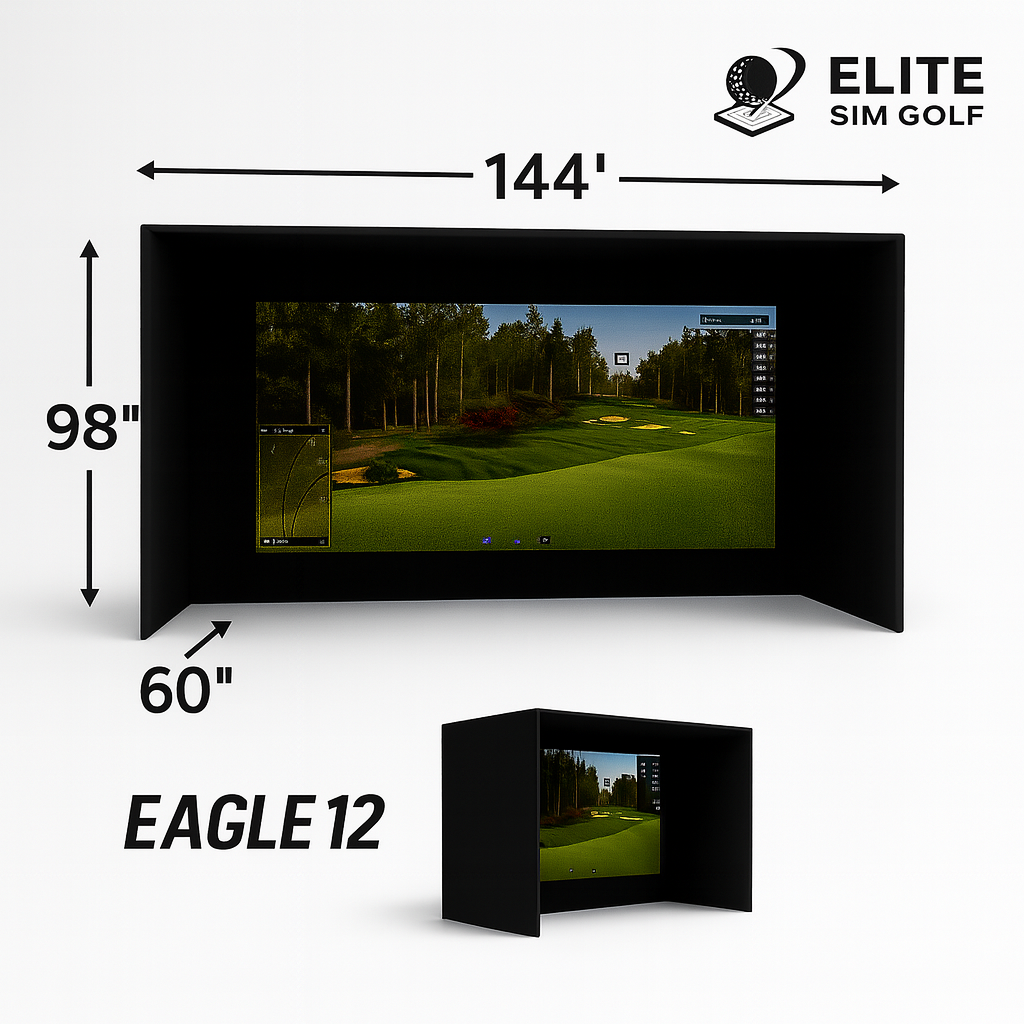
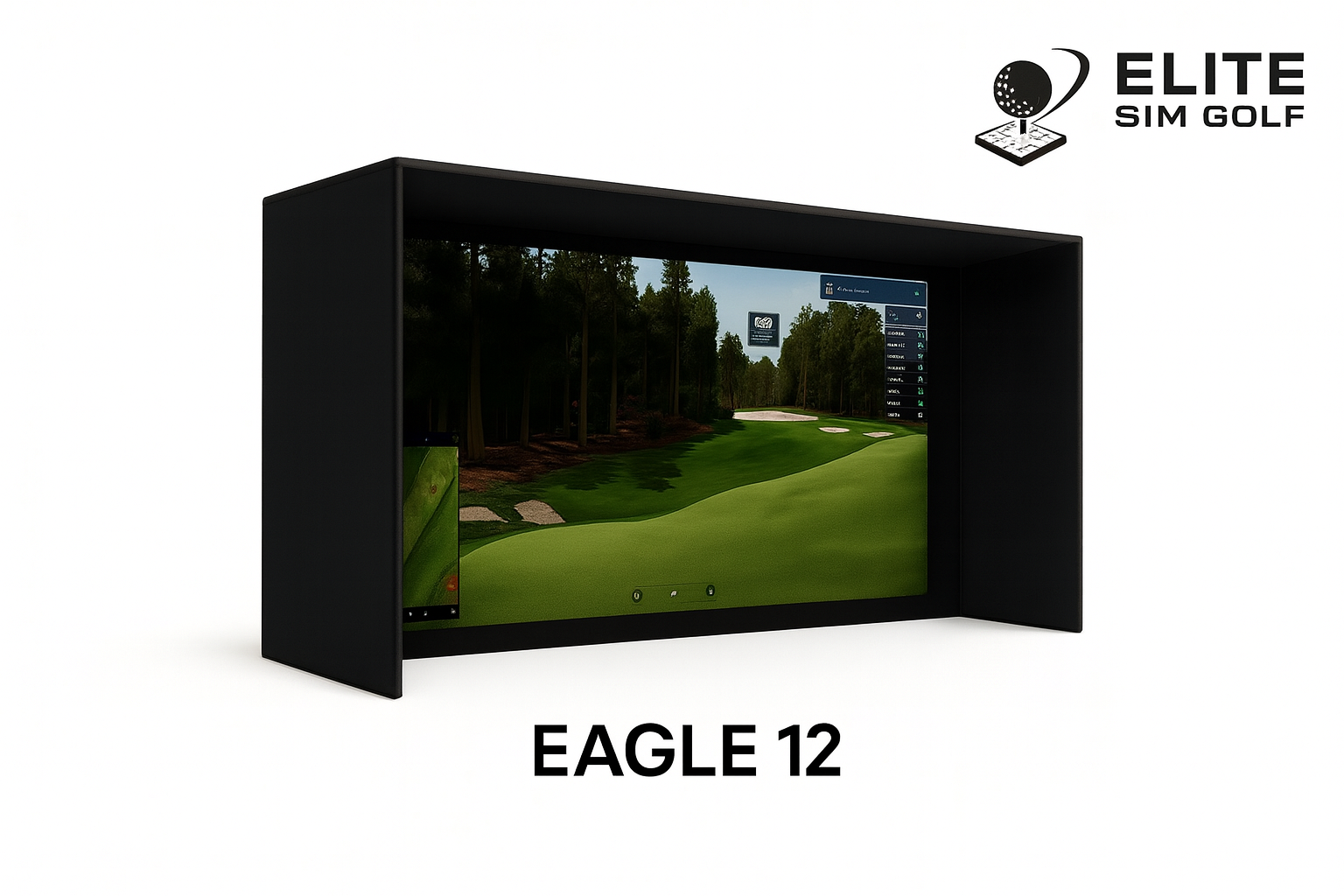
Eagle 12 — Most Popular
- Width144″
- Height98″
- Depth60″
- Screen Ratio16:9
- FramePowder-coated steel
- AssemblyDIY
- Landing Mat6×12
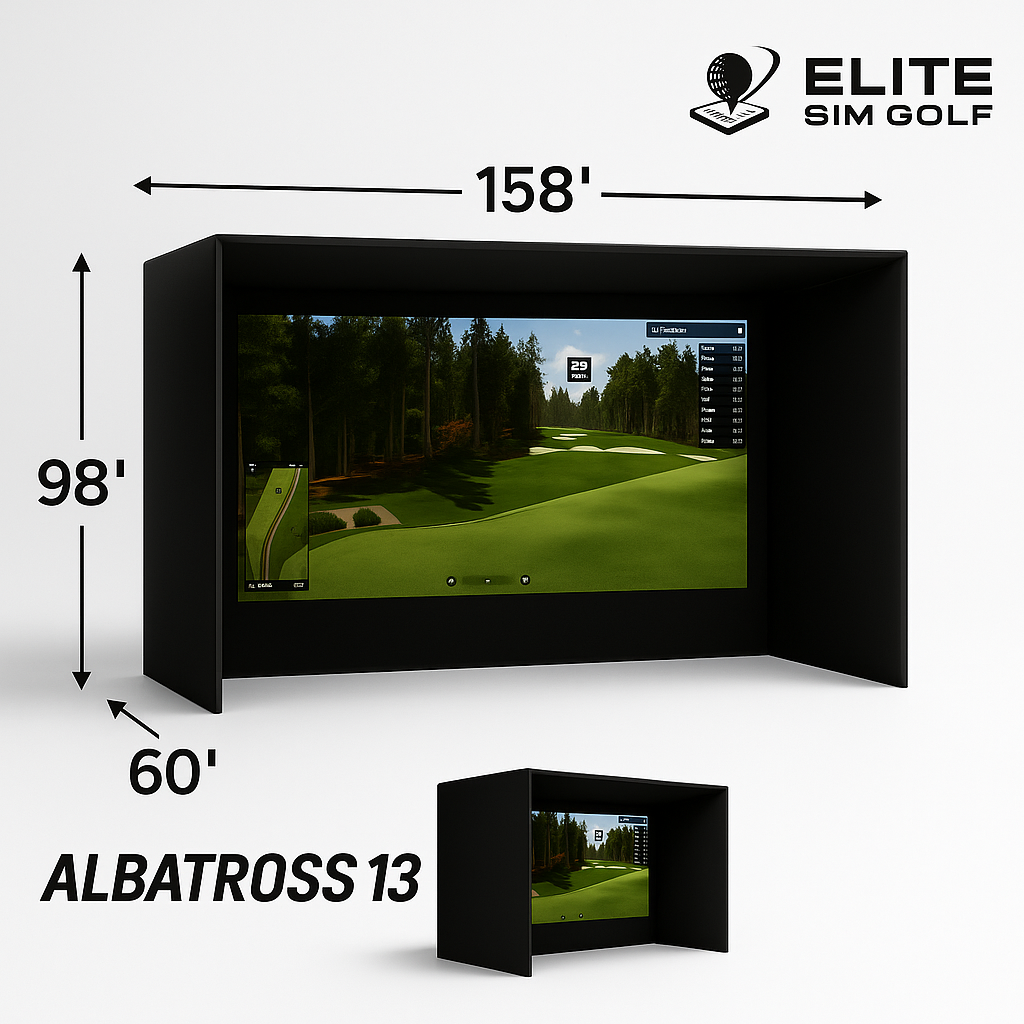
Albatross 13
- Width156″
- Height102″
- Depth72″
- Screen Ratio16:9
- FramePowder-coated steel
- AssemblyDIY
- Landing Mat6×15
Confirm ceiling height and available room depth before selecting an enclosure. The Projector Fitment Tool calculates throw distance for the AH700ST based on your ceiling and screen dimensions.
Beaver Tail 4″×8.25″ — Built for High-Volume Use
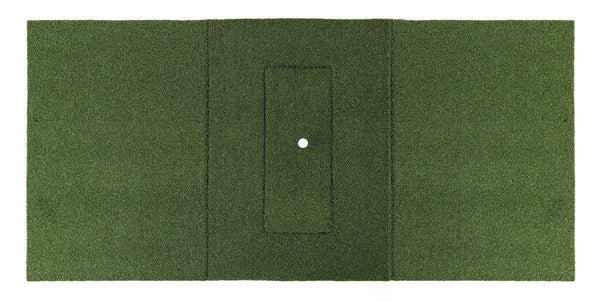
The Beaver Tail’s double-wide 4″×8.25″ stance platform gives both feet a stable surface at any ball position, and the hitting strip insert is designed to be replaced independently — when the strike zone wears, only the insert swaps out, not the entire mat.
Double-Wide Platform
4″×8.25″ stance area — room for both feet regardless of ball position or stance width
Replaceable Hitting Strip
The insert swaps out independently — replace only the worn section, not the entire mat structure
Realistic Feel
TrueBirdie’s hitting strip insert is designed to reduce joint stress on repeated iron and wedge shots
Long-Term Value
Durable rubber base built for commercial-grade repetition — the platform outlasts any single hitting strip
VTrack 1080P SimKit — Eagle 12 Bay


Eagle 12 enclosure pictured. Putting green not included in the standard SimKit.
Every Accessory Included
Projector Install Kit
BenQ ceiling mount, 25ft HDMI cable, and 25ft power cable — pre-selected for clean ceiling routing from the projector position to the source
Landing Mat
6×12 landing mat included with the Birdie 10 and Eagle 12. The Albatross 13 includes a 6×15 mat to match its wider bay. Protects the floor and completes the bay’s finished look.
Extras
VTrack impact protector and 12 TaylorMade TP5 Pix balls included — the SimKit is ready to swing from day one without sourcing additional items
10 Items, Zero Gaps
Every component selected to work together.
Primary Components
- Laon Swingcraft VTrack Overhead Launch Monitor (with case)
- BenQ AH700ST 1080P Laser Projector
- Enclosure of choice (Birdie 10 / Eagle 12 / Albatross 13)
- Beaver Tail 4″×8.25″ Hitting Mat by TrueBirdie
Accessories
- BenQ Projector Ceiling Mount
- 25ft HDMI Cable
- 25ft Power Cable
- Landing Mat (6×12 for Birdie 10 / Eagle 12 — 6×15 for Albatross 13)
- VTrack Impact Protector
- 12× TaylorMade TP5 Pix Golf Balls
SimKit Quick Specs
| Launch Monitor | VTrack Overhead |
| Projector | BenQ AH700ST |
| Resolution | 1080P Full HD (1920×1080) |
| Brightness | 4,000 ANSI Lumens |
| Light Source | Laser (20,000hr rated) |
| Throw Ratio | 0.69–0.83:1 |
| Enclosure Options | Birdie 10 / Eagle 12 / Albatross 13 |
| Hitting Mat | Beaver Tail 4″×8.25″ |
| Landing Mat | 6×12 (B10/E12) or 6×15 (A13) |
| Ceiling Requirement | 106″ minimum |
| Software | GSPro, E6 Connect, E6 Apex |
| Shipping | Free UPS Ground, Continental US |
Why This SimKit
- Sharp, vivid 1080P image at 4,000 ANSI lumens — holds up with ambient room light and works with lights-on play
- Golf Mode color tuning applies BenQ’s calibrated profile for accurate fairway and green rendering by default
- Auto Screen Fit and Quick Focus reduce alignment time to a single button press — no manual geometry adjustments
- Overhead markerless tracking keeps the floor and swing path completely clear — no stickers, no floor sensors, no interference
Who This SimKit Is Built For
The Home Golfer
Wants a permanent, dedicated sim bay that looks finished and plays consistently — not a temporary setup to assemble and disassemble between sessions
The Overhead Convert
Already decided on ceiling-mount tracking — wants clean data without stickers, floor units, or anything that interferes with the swing path
The Sharp-Image Buyer
Wants a bright, vivid 1080P image with accurate course colors — the AH700ST’s Golf Mode and 4,000 lumens deliver that at the 1080P tier
The Efficient Setup Buyer
Auto Screen Fit and Quick Focus mean less time calibrating and more time playing — one-button image alignment from any mounting angle
More Ways to Build Your Bay
SimKit Bundle Builder
Prefer to pick every component yourself? The SimKit Bundle Builder lets you mix and match launch monitor, projector, enclosure, and mat to build the exact configuration for your room and budget.
Open Bundle Builder →BenQ AK700ST 4K SimKit
Upgrade to true 4K UHD — the same overhead system with the BenQ AK700ST and its Golf Color Mode for even richer course rendering at the highest resolution tier.
View 4K SimKit →Optoma ZK521ST SimKit
The highest-lumen option — 5,000 lumens with Smart Fit smartphone auto-alignment. Built for rooms that need maximum brightness alongside overhead VTrack tracking.
View Optoma SimKit →Setup & Planning Resources
Projector Fitment Tool
Confirm throw distance and ceiling clearance for the BenQ AH700ST before ordering — enter your ceiling height and screen width for exact placement numbers.
Open Fitment Tool →Enclosure Assembly Guide
Frame assembly diagrams for all ESG enclosures — Birdie 10, Eagle 12, and Albatross 13 step-by-step installation reference.
View Assembly Diagrams →SimKit Bundle Builder
Customize a configuration from scratch — select launch monitor, projector, enclosure, and mat independently to match a specific room or budget.
Open Bundle Builder →Frequently Asked Questions
What’s included in the 1080P SimKit?
The SimKit includes the VTrack Overhead Launch Monitor (with case), BenQ AH700ST 1080P Laser Projector, the enclosure of choice (Birdie 10, Eagle 12, or Albatross 13), Beaver Tail 4″×8.25″ hitting mat, BenQ projector ceiling mount, 25ft HDMI cable, 25ft power cable, a landing mat sized to the chosen enclosure, VTrack impact protector, and 12 TaylorMade TP5 Pix golf balls — 10 items total.
What is the difference between the 1080P and 4K SimKit?
Both SimKits use the same VTrack Overhead launch monitor, the same enclosure options, and the same accessory package. The difference is the projector: the 1080P SimKit includes the BenQ AH700ST at 4,000 lumens and 1920×1080 resolution, while the 4K SimKit includes the BenQ AK700ST with true 4K UHD resolution and its Golf Color Mode. The 1080P option delivers a sharp, bright image at the 1080P tier; the 4K upgrade is for buyers who want the maximum resolution the VTrack system supports.
How does the BenQ AH700ST Auto Screen Fit work?
Auto Screen Fit is a one-button function on the AH700ST remote. When activated, the projector’s detection system reads the screen’s aspect ratio — 16:9, 16:10, 4:3, or 1:1 — and automatically adjusts the image to fill it precisely. This eliminates manual keystone and geometry calibration during initial setup and after any projector repositioning.
What ceiling height does the VTrack require?
The VTrack Overhead requires a minimum ceiling height of 106 inches (approximately 8 feet 10 inches). This clearance ensures the cameras have the proper angle for accurate ball and club tracking across all standard shot types. Confirm ceiling height before ordering.
Which enclosure size should I choose?
The Birdie 10 (120″×96″×60″) suits tighter garage bays or dedicated rooms where width is limited. The Eagle 12 (144″×98″×60″) is the most popular size and fits most standard two-car garage bays. The Albatross 13 (156″×102″×72″) is the largest option and requires additional side clearance and ceiling height. Measure the available floor footprint and ceiling height before selecting.
How do I know if my room fits this projector?
The BenQ AH700ST has a throw ratio of 0.69–0.83:1, meaning it can project a large image from a short distance. The exact placement depends on ceiling height and screen size. Use the Projector Fitment Tool on the ESG site to enter your room dimensions and get exact throw distance and mounting position numbers before ordering.
What software does the VTrack work with?
The VTrack Overhead is compatible with GSPro, E6 Connect, and E6 Apex. No additional VTrack subscription is required for simulator use — connect the device and launch the software to start playing.
Does the VTrack require marked balls or stickers?
No stickers or specially marked balls are required for core use. The VTrack’s dual high-speed stereoscopic cameras track the ball and club through the impact zone without any surface markers. Standard golf balls work out of the box. The included 12 TaylorMade TP5 Pix balls are a bonus addition, not a requirement.
What size landing mat is included?
The landing mat size is matched to the selected enclosure. Birdie 10 and Eagle 12 orders include a 6×12 landing mat. Albatross 13 orders include a 6×15 landing mat to match the wider bay floor area.
How does this SimKit ship?
The SimKit ships free via UPS Ground to the continental United States. No shipping charges are added at checkout. Individual components may ship in separate packages depending on the carrier and enclosure size.
Is left-handed golf supported?
Yes. The VTrack Overhead supports both right-handed and left-handed golfers. Because the tracking unit mounts to the ceiling above the bay, no hardware repositioning is needed when switching between right and left-handed players.
What support is included after purchase?
Setup support is included with every SimKit order. The ESG team provides guidance through the installation process — enclosure assembly, projector mounting and alignment, VTrack installation, and software connection. Frame assembly diagrams for all ESG enclosures are available at the Assembly & Support resource page.
A Complete Bay, Not a Parts List
Every component in this SimKit was selected and tested as a system — the projector throw ratio confirmed against the enclosure screen dimensions, the mount and cable lengths verified for the ceiling routing, and the VTrack placement validated against the enclosure footprint. Nothing in this package was assembled from a generic catalog; each item was chosen because it works with the others without modification or compatibility research on the buyer’s end.
The result is a bay that can be planned, ordered, and installed without the uncertainty that comes from sourcing a launch monitor, projector, enclosure, and accessories from separate vendors. Dimensions match. Cable runs reach. The projector image fills the screen. These are details that get resolved before the order ships, not after the components arrive.
Setup support is included because installation questions come up regardless of experience level — enclosure assembly, projector alignment, VTrack positioning, and software connection are all covered. The SimKit is designed to be a finished bay from the first session, and that outcome starts before the first box is opened.