





VTrack Overhead Golf Simulator Kits — 1080P & 4K Packages
Every kit includes the same ceiling-mounted VTrack launch monitor. Choose your projector, enclosure, and mat — or let the pre-configured kits decide for you.

Compare All Four VTrack SimKit Configurations
All four kits include the VTrack Overhead Launch Monitor, projector ceiling mount, 25ft cable kit, and VTrack impact protector. The configuration choices below determine projector, enclosure, and mat.
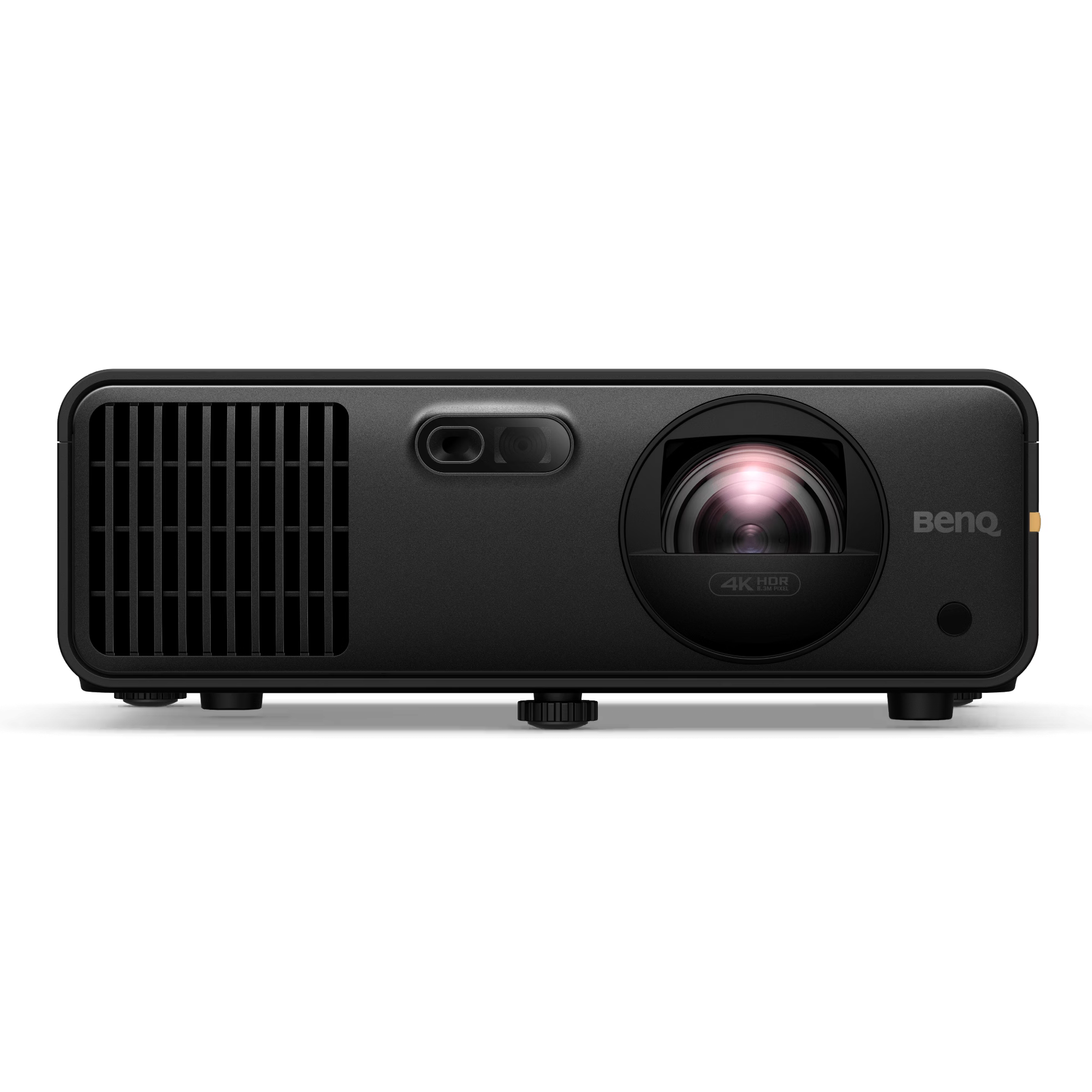
Premium 4K SimKit — BenQ AK700ST
For buyers who want a pre-configured 4K bay with enclosure flexibility and a verified BenQ laser setup.
Price varies by enclosure selection.
View BenQ AK700ST 4K SimKit →
Premium 4K SimKit — Optoma ZK521ST-B
For buyers who want 4K with enclosure flexibility and Smart Fit auto-alignment built in.
Price varies by enclosure selection.
View Optoma 4K SimKit →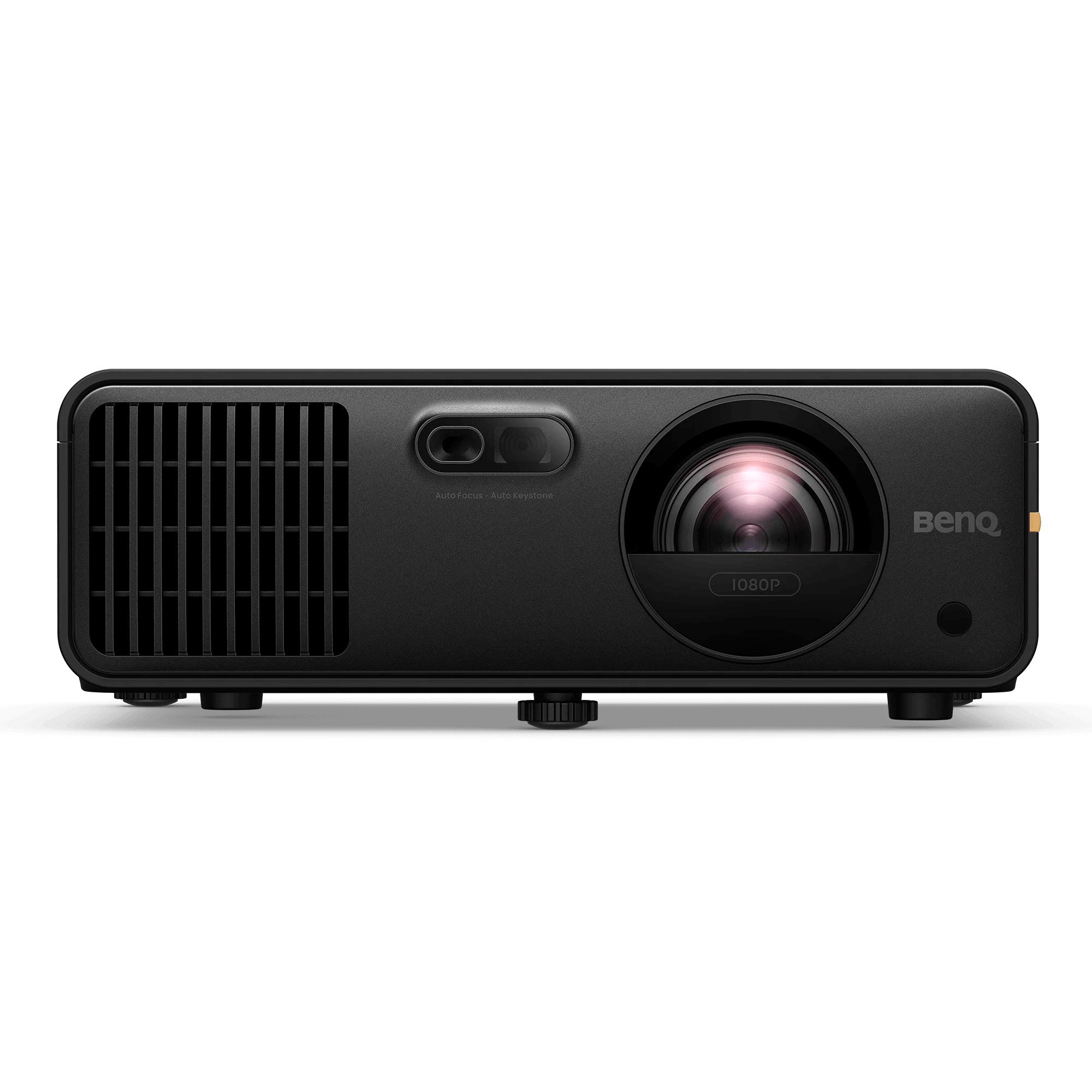
Premium 1080P SimKit — BenQ AH700ST
For buyers who want a laser projector and enclosure flexibility without stepping into 4K pricing.
Price varies by enclosure selection.
View BenQ AH700ST 1080P SimKit →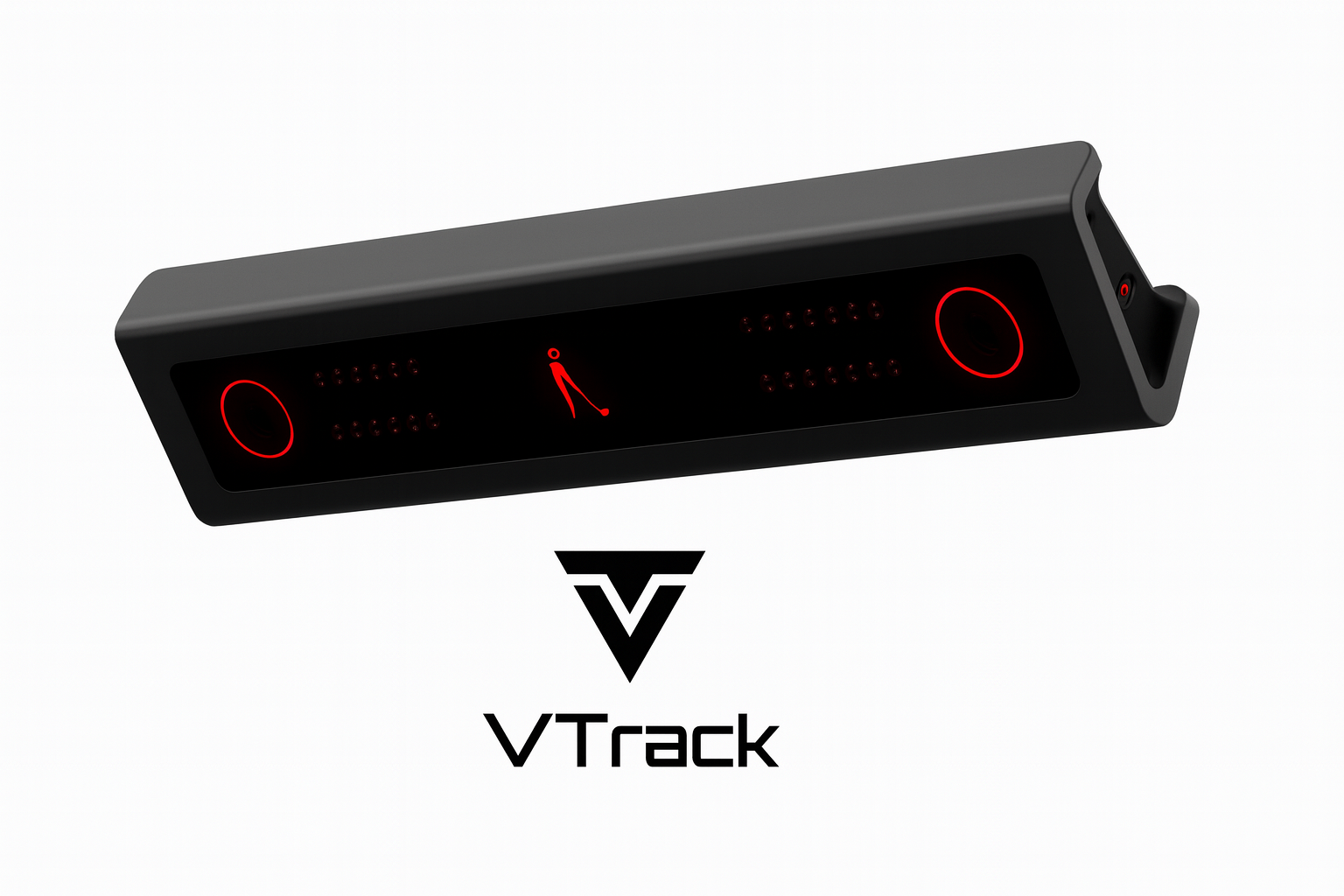
Build Your Own SimKit
For buyers who want to select their own projector from 17 options across 1080P and 4K tiers.
Start Building →
The VTrack Overhead Launch Monitor Is the Foundation of Every SimKit
Regardless of which projector, enclosure, or mat is selected, every VTrack SimKit ships with the same ceiling-mounted launch monitor. It installs once, stays put, and requires no setup between sessions.
Overhead Mount
Ceiling-mounted above the hitting zone. No floor unit to move, trip over, or position between shots.
Markerless Tracking
Dual high-speed cameras track any standard golf ball. No stickers, no dots, no special balls required.
25+ Shot Parameters
Ball speed, launch angle, spin rate, carry distance, club path, face angle, and more — captured on every swing.
Slow-Motion Impact Video
High-speed impact video recorded automatically. Review ball contact and club face position after every shot.
All Four Kits Support Every Enclosure Size
Enclosure choice is determined by room width and ceiling height — not by kit. Use the Projector Fitment Tool to confirm fit before ordering.
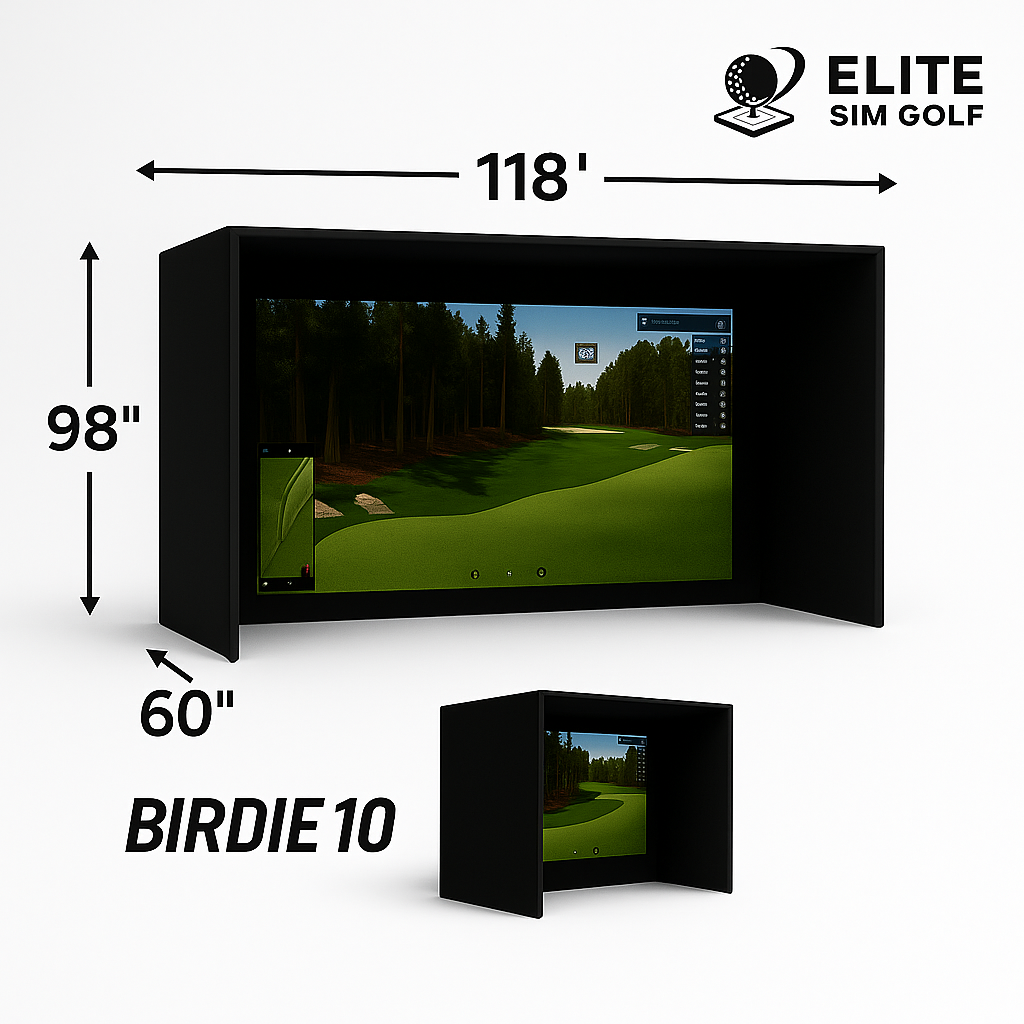
Birdie 10
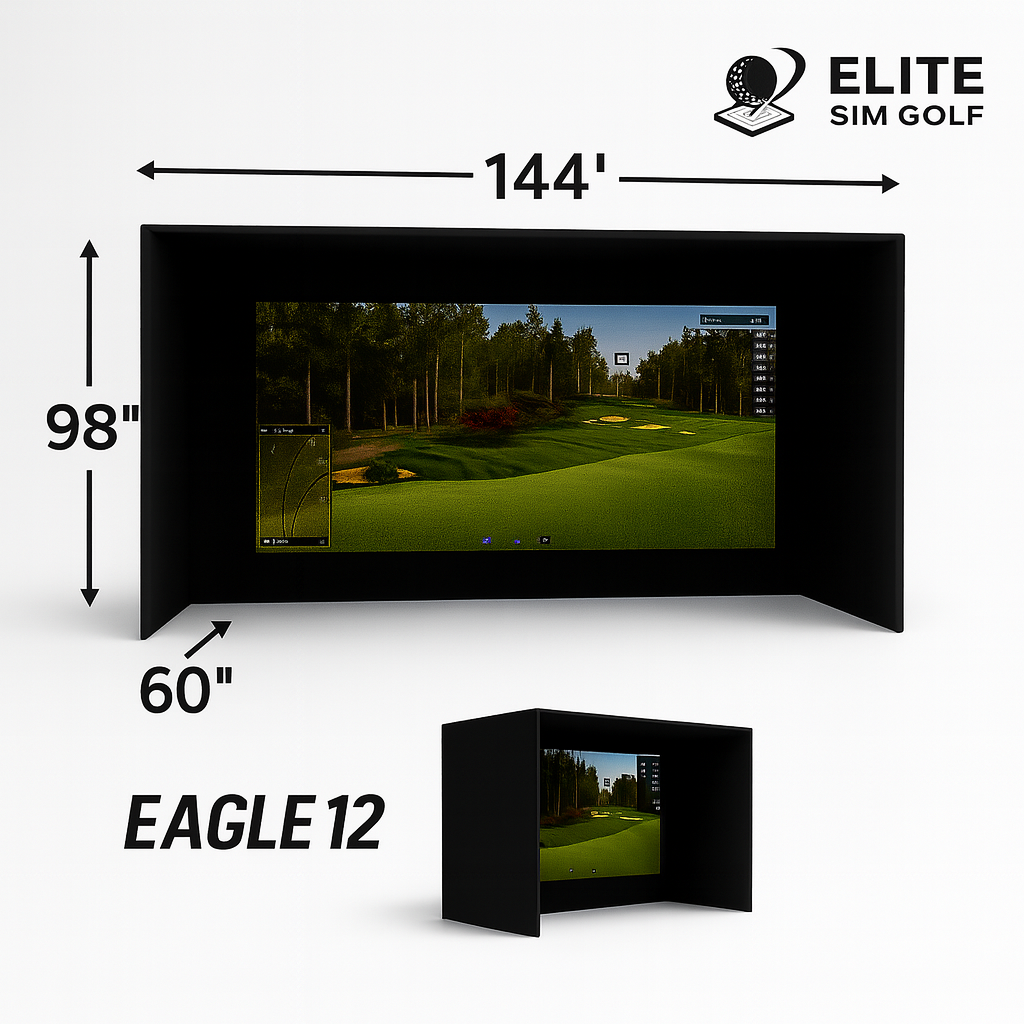
Eagle 12 Most Popular
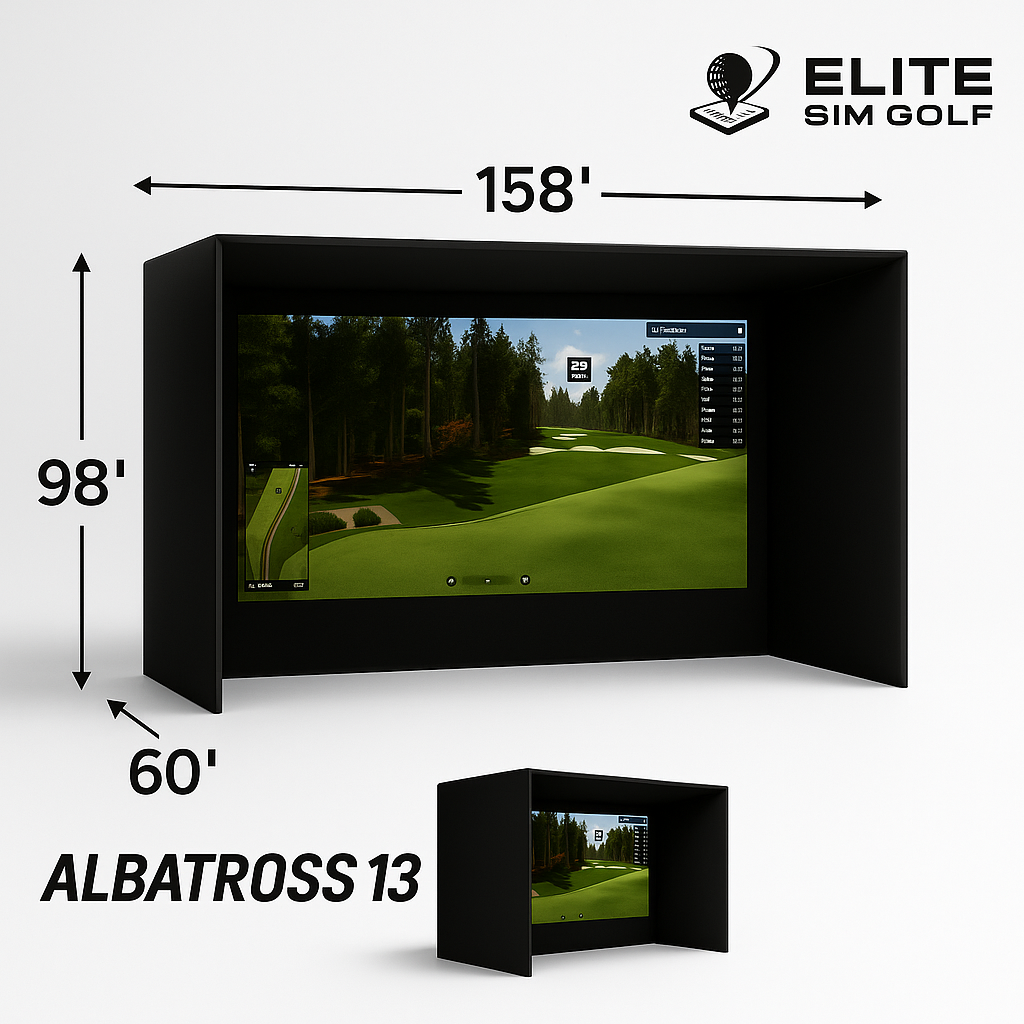
Albatross 13
What Every VTrack Kit Has in Common
No Swing Interference
The VTrack mounts above the hitting zone and stays there permanently. Right-handed, left-handed, wide stance, narrow stance — nothing needs to move between shots or sessions.
No Consumables
Dual high-speed stereoscopic cameras track standard golf balls with no stickers, no marked clubs, and no special balls required. Nothing to reorder or apply before a session.
Permanent Installation
Once the VTrack is mounted and calibrated, the bay is always ready. No setup or teardown between sessions. The included ceiling mount and 25ft cable run are sized for a clean, finished install.
What Ships in Every VTrack SimKit
These items are fixed in every configuration — pre-configured or build-your-own. No sourcing separately, no compatibility research required.
VTrack Launch Monitor
Laon Swingcraft VTrack Overhead. Ceiling-mounted, markerless, dual high-speed cameras. 25+ ball and club parameters. Slow-motion impact video.
View VTrack Product Page →Projector Ceiling Mount
Ceiling mount matched to the included projector model. Positions the projector for correct throw distance and image coverage from the ceiling.
25ft Cable Kit
25ft HDMI cable and 25ft power cable. Pre-sized for a clean ceiling-routed install from the projector position back to the source.
VTrack Impact Protector
ESG-designed shield for the VTrack unit. Protects against errant ball strikes and ricochet damage during normal simulator use.
Not Sure Which Kit Fits? Start from Scratch.
The Build Your Own SimKit lets buyers select from 17 projectors across 1080P and 4K, all three ESG enclosures, and 8 hitting mats. It also supports enclosure brands not available in the pre-configured kits — SportScreen Vanish & Parlour Series, GolfBays, SimSpace, and SigPro. Any projector or hitting mat in the ESG catalog can be paired with this kit. The VTrack and all fixed accessories are pre-selected. Configure the rest to match the room, the budget, and the image preference.
Frequently Asked Questions
Which kit is right for my room?
Room width determines enclosure choice. The Birdie 10 fits 10ft-wide spaces, the Eagle 12 suits most two-car garages and dedicated simulator rooms, and the Albatross 13 is for larger rooms where maximum screen coverage is the goal. Use the Projector Fitment Tool to confirm projector throw and ceiling clearance before ordering.
What is the difference between the 4K kits?
Both kits support all three enclosure sizes (Birdie 10, Eagle 12, Albatross 13) and use 4K laser projectors. The BenQ AK700ST delivers 4,000 lumens with a 0.69–0.83:1 throw ratio. The Optoma ZK521ST-B delivers 5,000 lumens and includes Smart Fit auto-alignment, which auto-corrects the projected image to the screen edges without manual keystone adjustment. If brightness headroom or hands-free alignment is a priority, the Optoma is the stronger pick.
What ceiling height does the VTrack require?
The VTrack Overhead Launch Monitor requires a minimum ceiling height of 106 inches (8 feet 10 inches). This is required in all configurations — pre-configured and build-your-own. The ceiling height requirement does not change based on enclosure selection.
Is the landing mat included in every kit?
The pre-configured kits (BenQ AK700ST Bundle, Optoma ZK521ST-B SimKit, BenQ AH700ST SimKit) include a landing mat sized to the enclosure — 6×12 for Birdie 10 and Eagle 12, 6×15 for the Albatross 13. The Build Your Own SimKit does not include a landing mat by default — it is available as an optional add-on in the dropdown.
What software do these kits work with?
All four kits are compatible with GSPro, E6 Connect, and E6 Apex. The VTrack connects to a PC running any of these platforms. No VTrack subscription is required for simulator use. Software licenses are sold separately by each platform.
Does the VTrack require marked balls or stickers?
No. Ball tracking is handled by the VTrack launch monitor, not the projector. The VTrack is a markerless system — no ball stickers, no club-face dots, and no specially marked balls are required. Any standard golf ball works.
What is the difference between 1080P and 4K for golf simulation?
1080P delivers sharp, high-contrast simulation at a lower price point and is the right choice for most rooms. The BenQ AH700ST is the 1080P option in the VTrack lineup — a 4,000-lumen laser projector suited for standard simulator bays. 4K adds pixel density that becomes more noticeable on larger enclosure screens and at close viewing distances. The BenQ AK700ST and Optoma ZK521ST-B are the 4K options. Both tiers run GSPro and E6 at full framerate.
Does the VTrack work with GSPro?
Yes. The VTrack Overhead Launch Monitor is compatible with GSPro, E6 Connect, and E6 Apex. All four SimKit configurations — the BenQ AK700ST 4K Bundle, Optoma ZK521ST-B 4K SimKit, BenQ AH700ST 1080P SimKit, and Build Your Own SimKit — support these platforms. No VTrack subscription is required for simulator use.
What room size do I need for a VTrack golf simulator?
Minimum room width depends on the enclosure selected. The Birdie 10 requires at least 10 feet of width, the Eagle 12 requires 12 feet, and the Albatross 13 requires 13 feet. All configurations require a minimum ceiling height of 106 inches (8 feet 10 inches) for the VTrack mount. Use the Projector Fitment Tool to confirm projector throw for your specific room dimensions.
Can I use a third-party enclosure with the Build Your Own SimKit?
Yes. The Build Your Own SimKit is compatible with enclosure brands beyond the ESG lineup, including SportScreen Vanish and Parlour Series, GolfBays, SimSpace, and SigPro. These brands are not available in the pre-configured kits. Any projector or hitting mat in the ESG catalog can also be paired with the BYO kit.