


Eye Mini Lite Bundles from Elite Sim Golf
Turn-key simulator packages built around Uneekor’s Eye Mini Lite. Choose your bay size (10ft or 12ft) and your visual tier (Standard, Premium 1080P, or Premium 4K).
Standard vs Premium 1080P vs Premium 4K
Same core simulator build—different projector tier. Pick based on room light and how “premium” you want the image to look.
Best value. Built to get you playing fast with a bright, golf-friendly image in most garages/bonus rooms.
Best for: budget-smart builds & lower ambient light.
Noticeably brighter and punchier in real rooms—great if you have any ambient light (garage doors, windows, overhead lights).
Best for: the “most recommended” balance of price + visual pop.
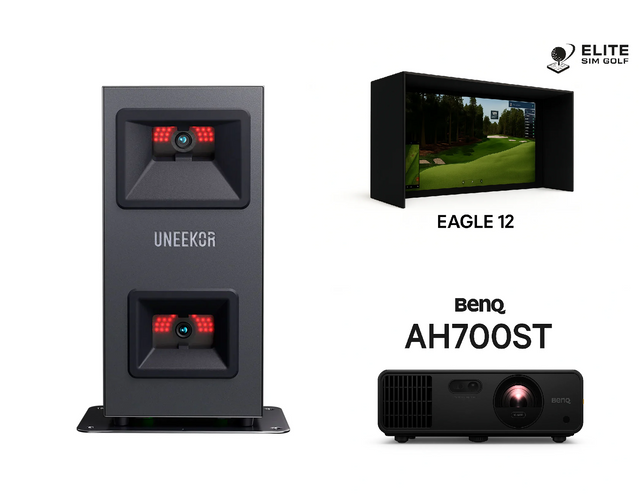
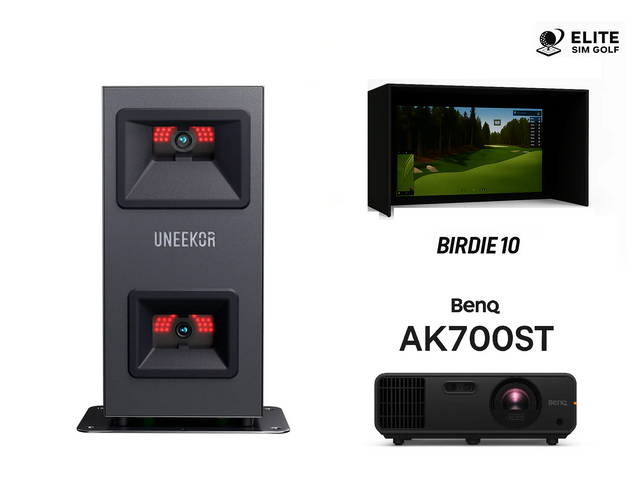
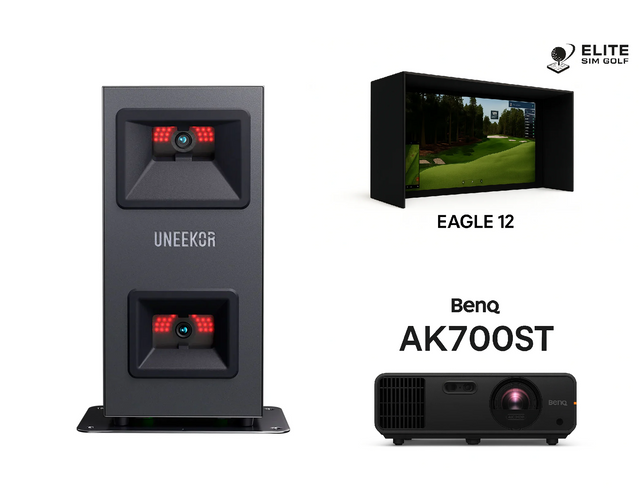
Maximum detail—sharper text, cleaner UI, and more course clarity. The “high-end bay” look every time you power on.
Best for: “forever bay” builds and golfers who care about image detail.
Tip: If you’re unsure, choose Premium 1080P for the biggest real-world visual improvement per dollar. Go Premium 4K if you want maximum crispness.
6 products
-
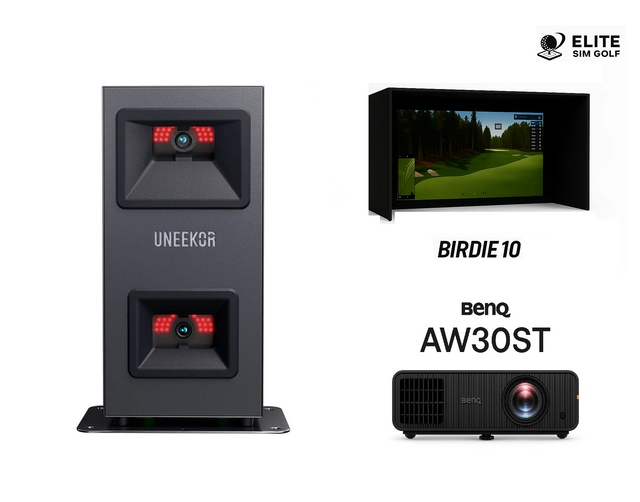
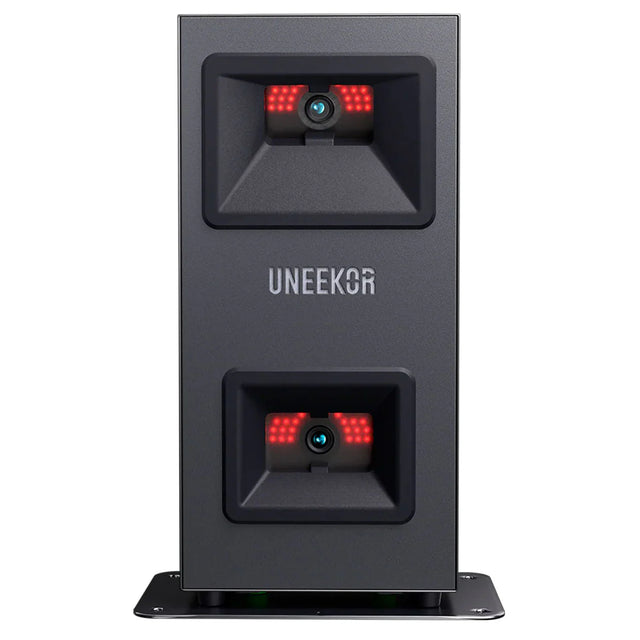 Up to $628.96 off
Uneekor
Eye Mini Lite 10FT Standard Package (Birdie 10 + AW30ST)
From $5,999.00$6,627.96( / )Unavailable -
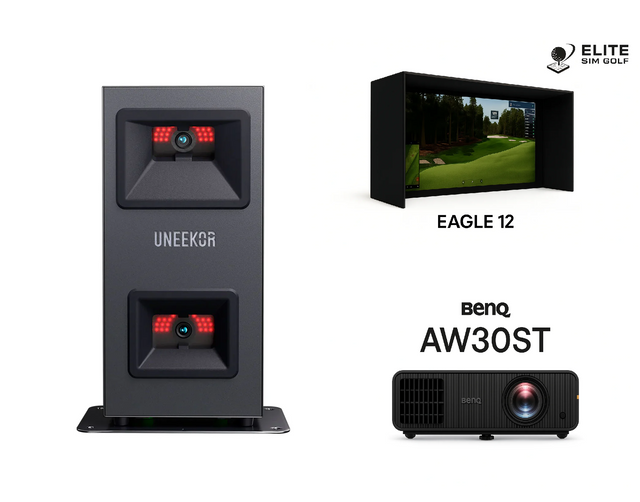 Up to $628.96 off
Uneekor
Eye Mini Lite 12FT Standard Package (Eagle 12 + AW30ST)
From $6,099.00$6,727.96( / )Unavailable -
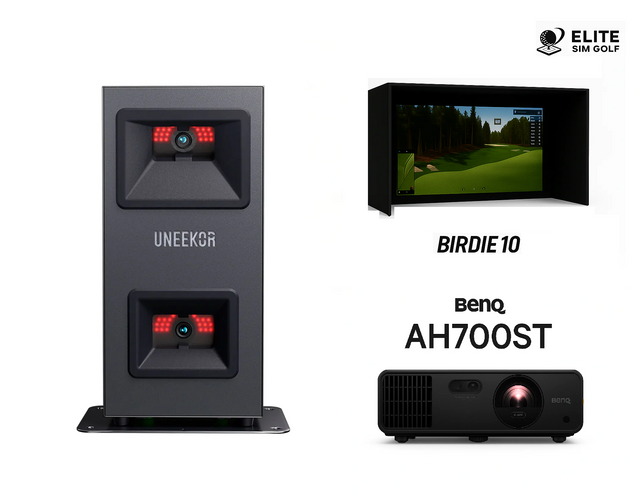 Up to $778.96 off
Uneekor
Eye Mini Lite 10FT Premium 1080P Package (Birdie 10 + AH700ST)
From $6,949.00$7,727.96( / )Unavailable -
 Up to $778.96 off
Uneekor
Eye Mini Lite 12FT Premium 1080P Package (Eagle 12 + AH700ST)
From $7,049.00$7,827.96( / )Unavailable -
 Up to $828.96 off
Uneekor
Eye Mini Lite 10FT Premium 4K Package (Birdie 10 + AK700ST)
From $7,499.00$8,327.96( / )Unavailable -
 Up to $828.96 off
Uneekor
Eye Mini Lite 12FT Premium 4K Package (Eagle 12 + AK700ST)
From $7,599.00$8,427.96( / )Unavailable
Uneekor Eye Mini Lite vs GolfJoy Spica 3 vs Garmin Approach R50
Three camera-based options, three different “use cases.” Use this guide to pick the right monitor for your sim room, practice style, and how turn-key you want the experience to be.
Best for a dedicated indoor sim bay
- PC-required ground unit for a permanent setup
- Compact hitting zone for repeatable alignment
- Club data support (with included stickers)
- Great if you want the Uneekor ecosystem + long-term sim room build
Best for portability + “range to sim” flexibility
- Triple high-speed cameras with built-in touchscreen
- Indoor & outdoor use with rechargeable battery
- No special balls (works with any ball)
- Strong option for golfers who want a portable camera unit
Best for premium “all-in-one” convenience
- Large touchscreen with an easy on-device workflow
- Three-camera system for ball + club measurement
- Impact video + training tools + course play (membership required for some content)
- Ideal if you want a premium, minimal-fuss experience
Tip: If you’re building a permanent simulator room, “workflow” matters just as much as data—how you start sessions, switch users, and launch software.
Side-by-Side Feature Comparison
Use this as your quick “what do I gain / give up?” checklist.
| Feature | Uneekor Eye Mini Lite | GolfJoy Spica 3 | Garmin Approach R50 |
|---|---|---|---|
| Best Use Case | Dedicated indoor sim bay | Portable practice (indoors + outdoors) | Premium all-in-one sim + training |
| Setup Style | Ground unit / stationary bay workflow | Portable unit you can move session-to-session | Device-centric, on-screen workflow |
| PC Requirement | Yes (PC required) | Depends on sim/software preference | Not required for core use |
| Display / Control | Run sessions through Uneekor software on PC | Built-in touchscreen | Built-in touchscreen |
| Indoor / Outdoor | Indoor-focused dedicated setup | Indoor & outdoor | Indoor & outdoor |
| “Pick this if…” | You want a permanent indoor sim bay and Uneekor workflow | You want portability and “range to sim” flexibility | You want premium convenience with minimal friction |
Want us to match the right monitor to your room? Send your ceiling height, room width, and depth and we’ll recommend the cleanest setup.