Eye Mini Bundles from Elite Sim Golf
If you’re ready to build a dedicated home simulator that looks clean, plays consistent, and doesn’t require weeks of piecing parts together—this is it. Our turn-key bundles are built around Uneekor’s Eye Mini. Choose your bay size (10ft or 12ft) and your visual tier (Standard, Premium 1080P, or Premium 4K)—we handle the rest. Each Complete Simulator Bundle includes Free Setup Support.
Standard vs Premium 1080P vs Premium 4K
Same core build—different projector tier. Pick based on your room lighting and how “premium” you want the image to look.
Best value. Built to get you playing fast with a bright, golf-friendly image in most garages/bonus rooms.
Best for: budget-smart builds & lower ambient light.
Noticeably brighter and punchier in real rooms—great if you have any ambient light (garage doors, windows, overhead lights).
Best for: the “most recommended” balance of price + visual pop.
Maximum detail—sharper text, cleaner UI, and more course clarity. The “high-end bay” look every time you power on.
Best for: “forever bay” builds and golfers who care about image detail.
Tip: If you’re unsure, choose Premium 1080P for the biggest real-world visual improvement per dollar. Go Premium 4K if you want maximum crispness.
5 products
-
 Up to $1,278.98 off
Uneekor
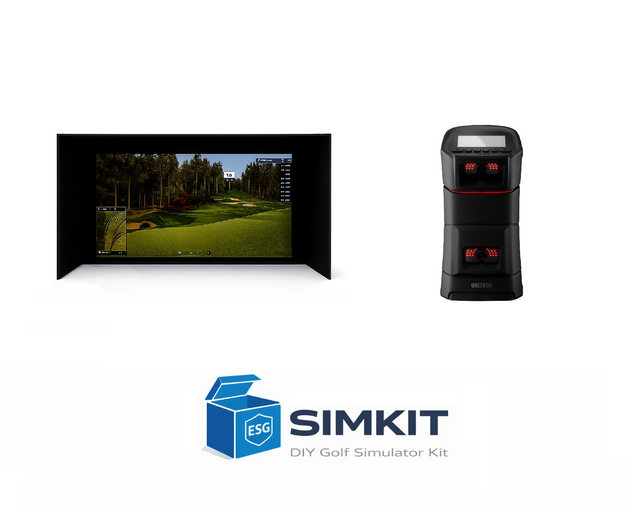
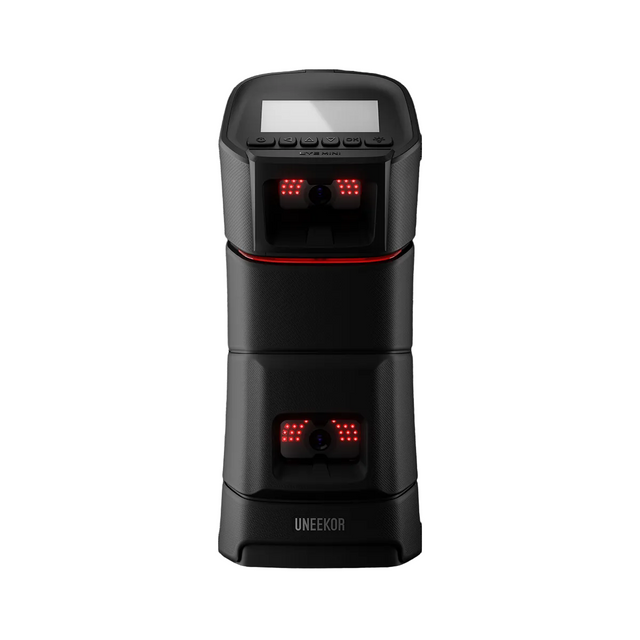
Eye Mini SIMKIT Golf Simulator Package — Choose Projector, Enclosure & Mat
$5,599.00$6,877.98( / )Unavailable -
 Up to $978.96 off
Uneekor
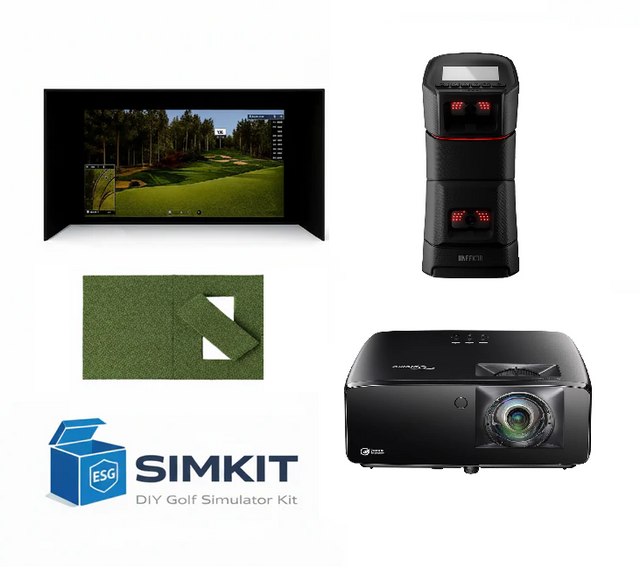
Eye Mini 1080P Package (Enclosure Choice + Optoma GT2400HDR)
$8,499.00$9,477.96( / )Unavailable -
 Up to $978.96 off
Uneekor
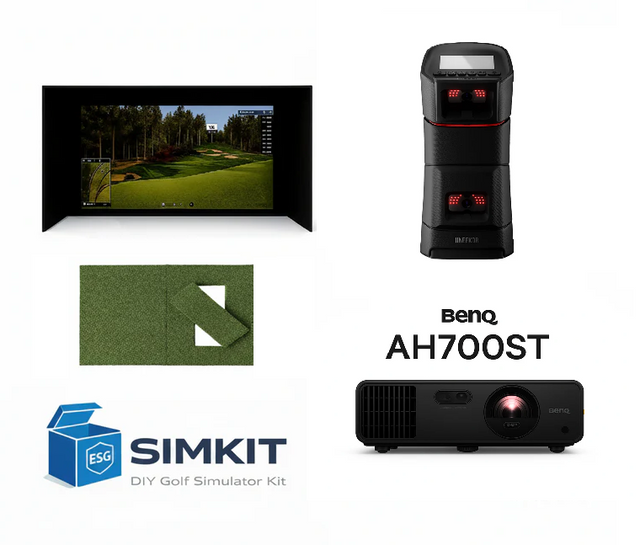
Eye Mini 1080P Package (Enclosure Choice + BenQ AH700ST)
$8,599.00$9,577.96( / )Unavailable -
 Up to $978.96 off
Uneekor
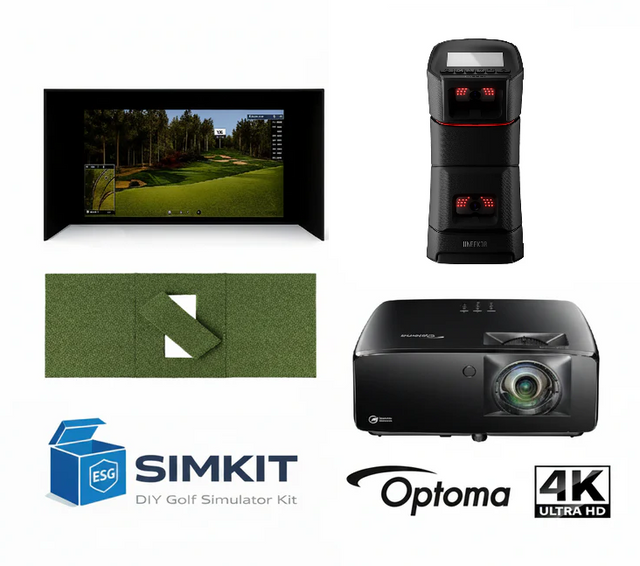
Eye Mini Premium 4K Package (Enclosure Choice + Optoma ZK521ST)
$9,099.00$10,077.96( / )Unavailable -
 Up to $978.96 off
Uneekor
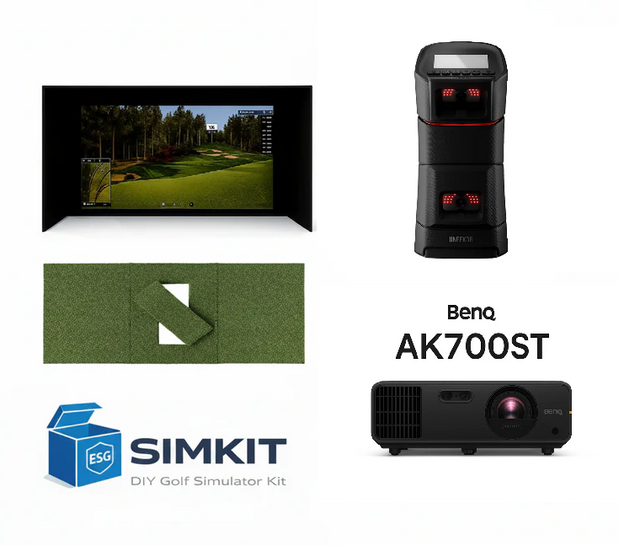
Eye Mini Premium 4K Package (Enclosure Choice + BenQ AK700ST)
$9,199.00$10,177.96( / )Unavailable
Eye Mini Bundles from Elite Sim Golf
If you’re ready to build a dedicated home simulator that looks clean, plays consistent, and doesn’t require weeks of piecing parts together—this is it.
Our Eye Mini bundles are designed around Uneekor’s ground-based Eye Mini launch monitor and packaged into complete, room-ready builds. You choose your bay size (10ft or 12ft) and your visual tier (Standard, Premium 1080P, or Premium 4K). We handle the rest.
Every bundle in this collection is a matched system—launch monitor, enclosure, projector, and finished floor—so everything works together the way it’s supposed to.
What’s Included in Every Package
Each Eye Mini bundle includes the key components you need for a clean, turn-key sim bay:
- Uneekor Eye Mini Launch Monitor (ground-based launch monitor for indoor training + range sessions)
- Elite Sim Golf Enclosure (choose 10ft or 12ft bay size)
- BenQ Short-Throw Projector (varies by package)
- Elite ProTee 5x5 Hitting Mat with replaceable hitting strip
- Elite Sim Golf 6x12 Landing Mat for a finished floor from tee to screen
- Projector Mount
- Projector Install Kit (long-run cabling so your install stays clean)
Result: a simulator bay that looks intentional—not pieced together.
Choose Your Bay Size
Choose Your Visual Tier
The most budget-smart way to get playing fast with a proper enclosure + short throw projection.
The jump you feel immediately in real rooms—better brightness and a more premium-looking image, especially if you have any ambient light.
The flagship visual experience—cleaner UI, sharper text, and maximum course detail for that “high-end bay” look.
Which One Should You Pick?
- Want the best value in a smaller space? 10FT Standard
- Want a brighter image without going full 4K? Premium 1080P
- Want the sharpest, most premium visual experience? Premium 4K
- Want the most comfortable bay for shared play and longer sessions? 12FT Eagle packages
If you’re unsure, we’ll help you choose based on your room.
Need Help Confirming Fit?
Send us your:
- Room width
- Ceiling height
- Room depth
…and we’ll recommend the best bay size and cleanest projector placement for your space.
Eye Mini vs Spica 3 vs Garmin R50
Three popular “no-overhead-install” launch monitors—each with a different strength. Use this guide to pick the right engine for your simulator bay (and your practice style).
Need help confirming fit? Call 866-4-SIM-GOLF or text us 24/7.
Which one should you buy?
Pick based on your workflow: portable range sessions vs “all-in-one” touchscreen convenience vs value-focused features.
Built for golfers who want a premium sim workflow with the flexibility to practice outside the bay.
- Great for dedicated home bays + range sessions.
- Simple placement beside the hitting area.
- Strong “serious golfer” ecosystem option.
Feature-dense option if you want a lot of capability without stepping into the highest price tier.
- Great for budget-smart “do-it-all” builds.
- Strong choice when you value features per dollar.
- Good fit for first-time sim buyers.
Ideal if you want the most streamlined, premium workflow with a built-in touchscreen experience.
- Best for plug-and-play, simple setup users.
- Premium experience without overcomplicating the bay.
- Great for shared-use households.
Tip: If you’re unsure, choose the unit that matches your workflow: portable practice vs feature-per-dollar vs all-in-one simplicity.
Side-by-Side Comparison
Use this table to quickly spot the best match for your simulator goals and setup style.
| Category | Uneekor Eye Mini | GolfJoy Spica 3 | Garmin Approach R50 |
|---|---|---|---|
| Best For | Premium sim performance + portability | Value-focused features per dollar | All-in-one, streamlined premium workflow |
| Workflow | Great for dedicated bays + take-it-with-you practice | Feature-dense setup for budget-smart builds | Designed to keep setup simple and repeatable |
| Ease of Use | Moderate | Moderate | Easiest |
| Who It’s Perfect For | “I want a serious sim + I’ll actually use it outside.” | “I want the most features for the price.” | “I want premium + simple, with minimal fuss.” |
| Shop | Eye Mini | Spica 3 | Garmin R50 |
Want me to tailor this to your exact packages (10ft vs 12ft enclosure, projector tier, PC spec, righty/lefty layout)? Tell me which enclosure + projector combo you’re pairing with each.